Slack
Slack is a business communication platform that organizes team conversations into channels and direct messages.
Website
Industry
Collaboration
Share this article:

How to add a channel description in Slack

Here is how to add a channel description in slack

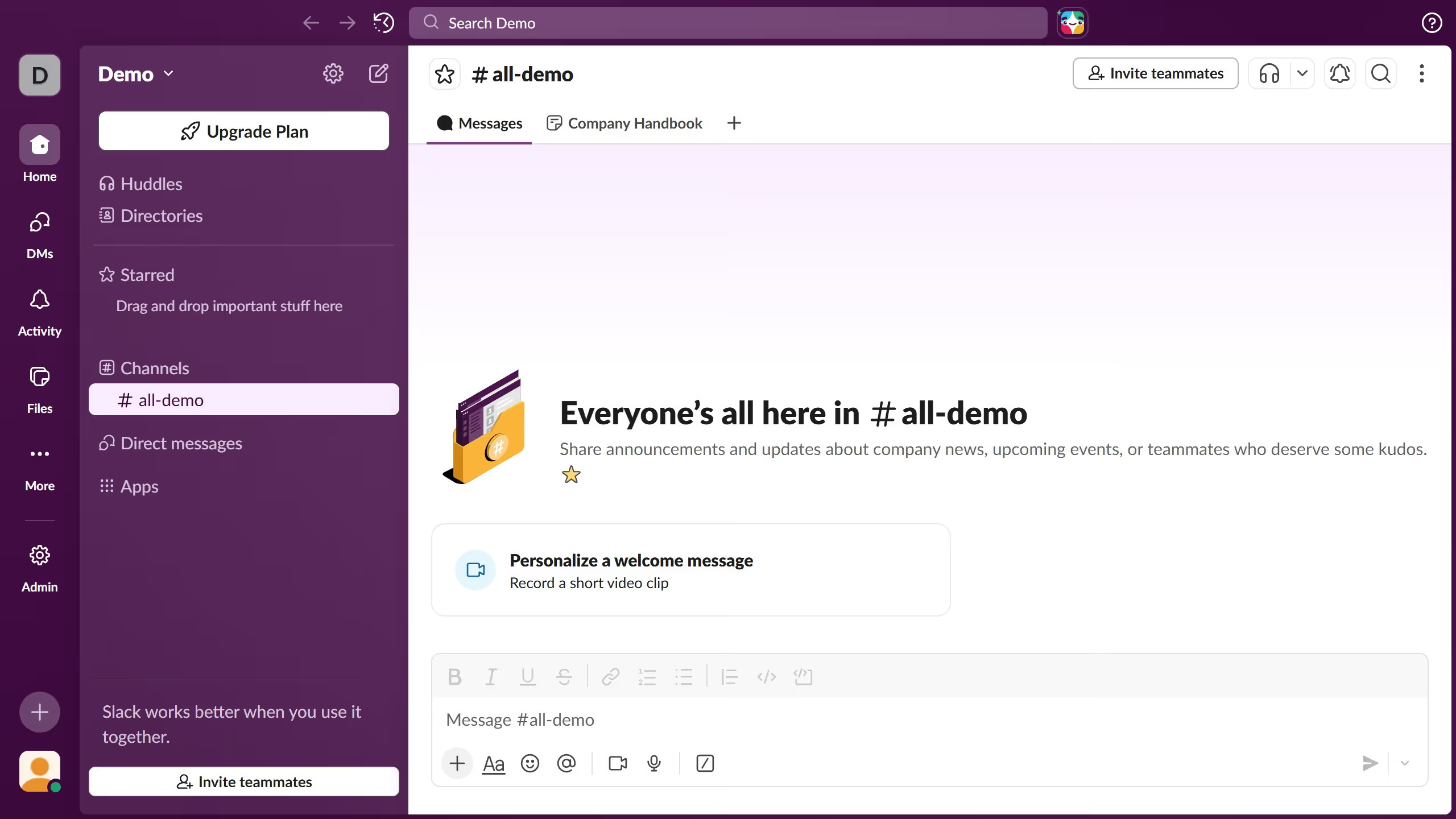
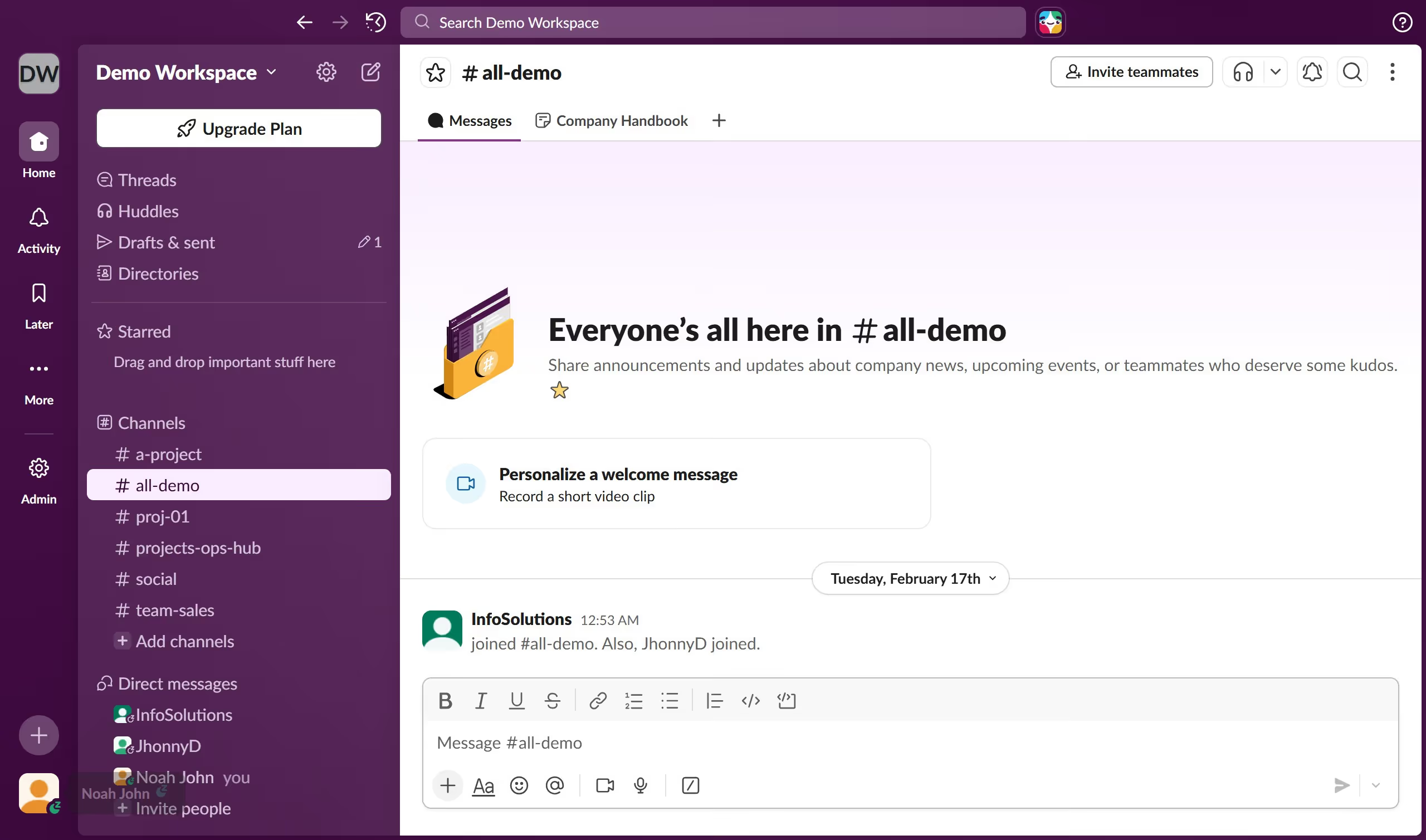
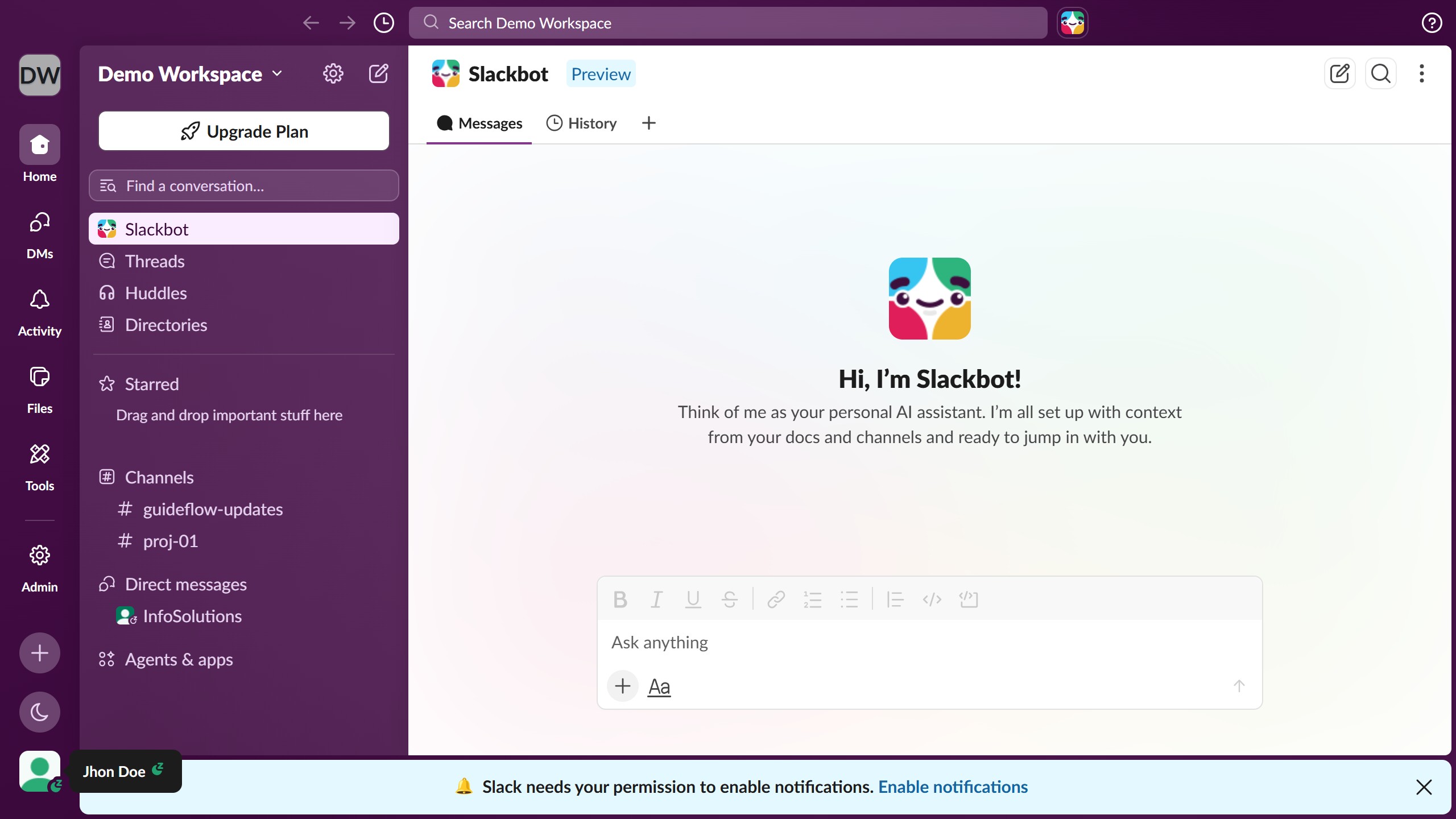
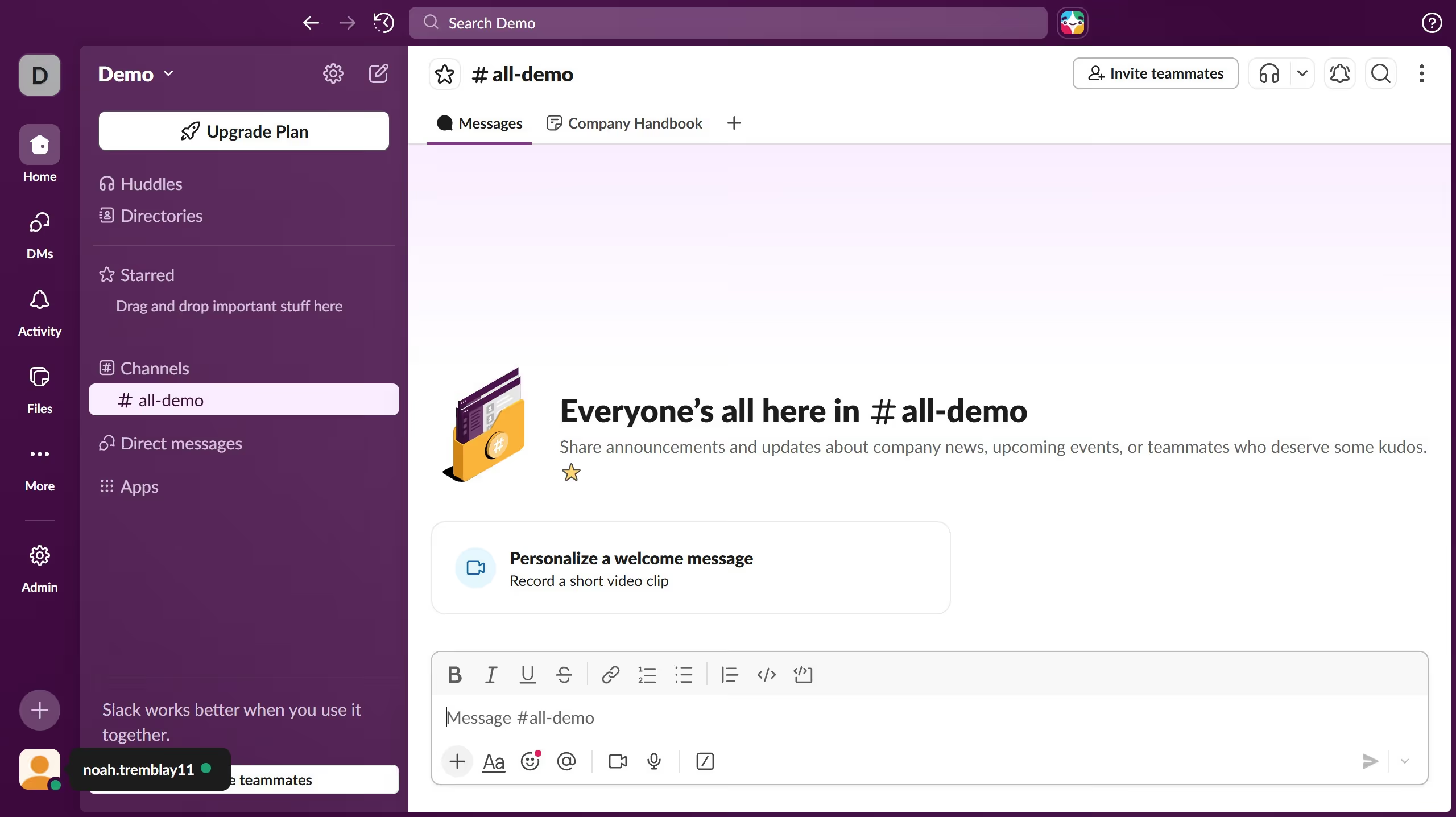
  1. First click on channel name in the sidebar
  2. Then click on the three-dot menu button in the top right header
  3. Next click on "Open channel details" option in the dropdown menu
  4. Then click on "Edit" button next to the Description field in the channel details modal
  5. Then click in the description text field and enter the channel description
  6. Next click on the "Save" button to confirm the description changes
  7. Finally view the updated description displayed in the channel details modal

Create your own interactive guide with Guideflow

Why should you add a channel description in Slack

Slack is a dynamic collaboration platform designed to streamline team communication and enhance productivity.

Adding a channel description in Slack is a simple feature that brings clarity and focus to your conversations. By providing a brief overview of the channel’s purpose, users can quickly understand its relevance.

This feature is beneficial as it helps maintain an organized workspace, ensuring everyone is aligned and minimizing confusion. Teams can work smarter by easily identifying the appropriate channels for their specific tasks or projects.

Last update
March 16, 2026
Cursor MariaA cursor points to a button labeled "James."

Create your first demo in less than 30 seconds.