Slack
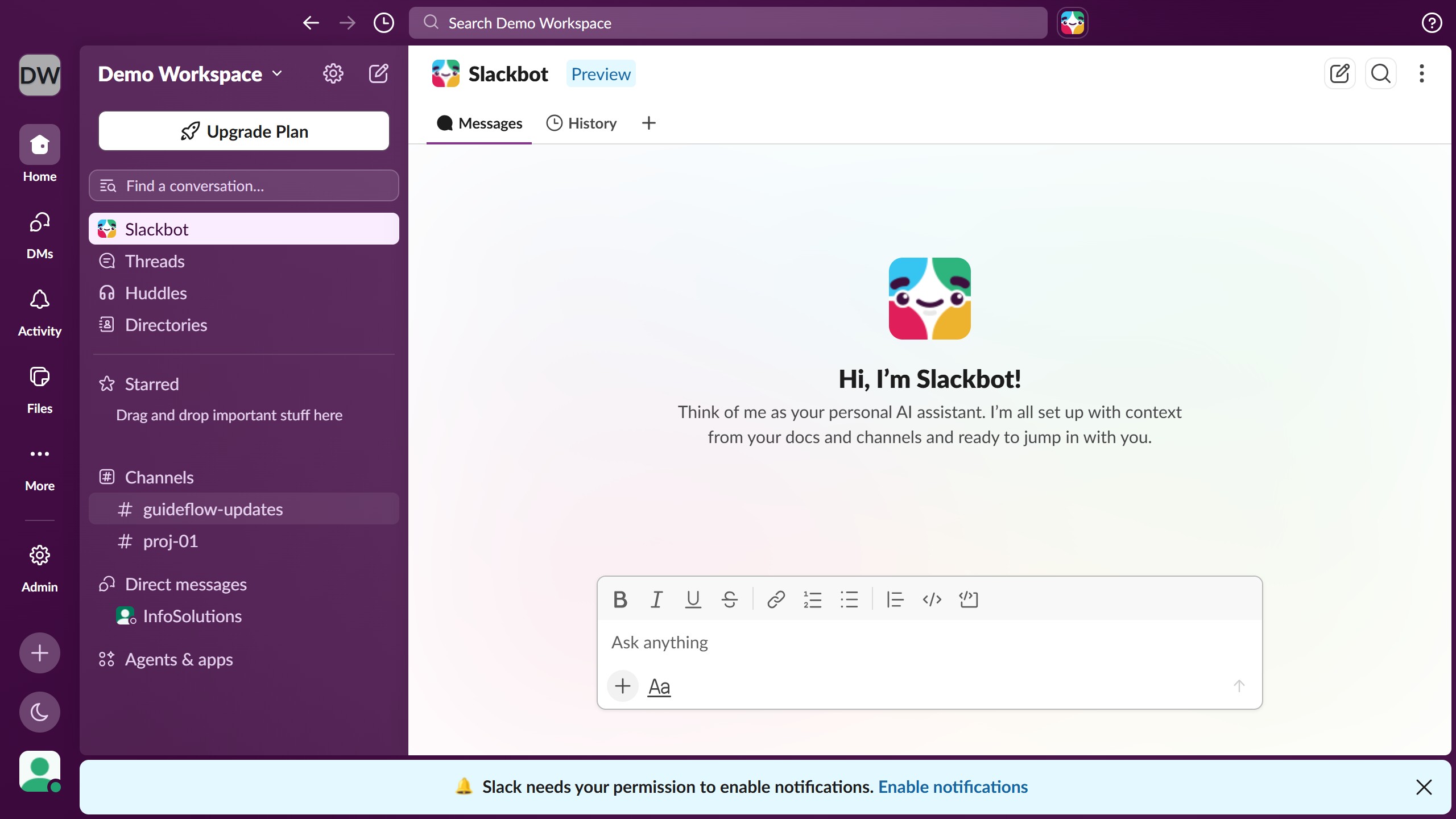
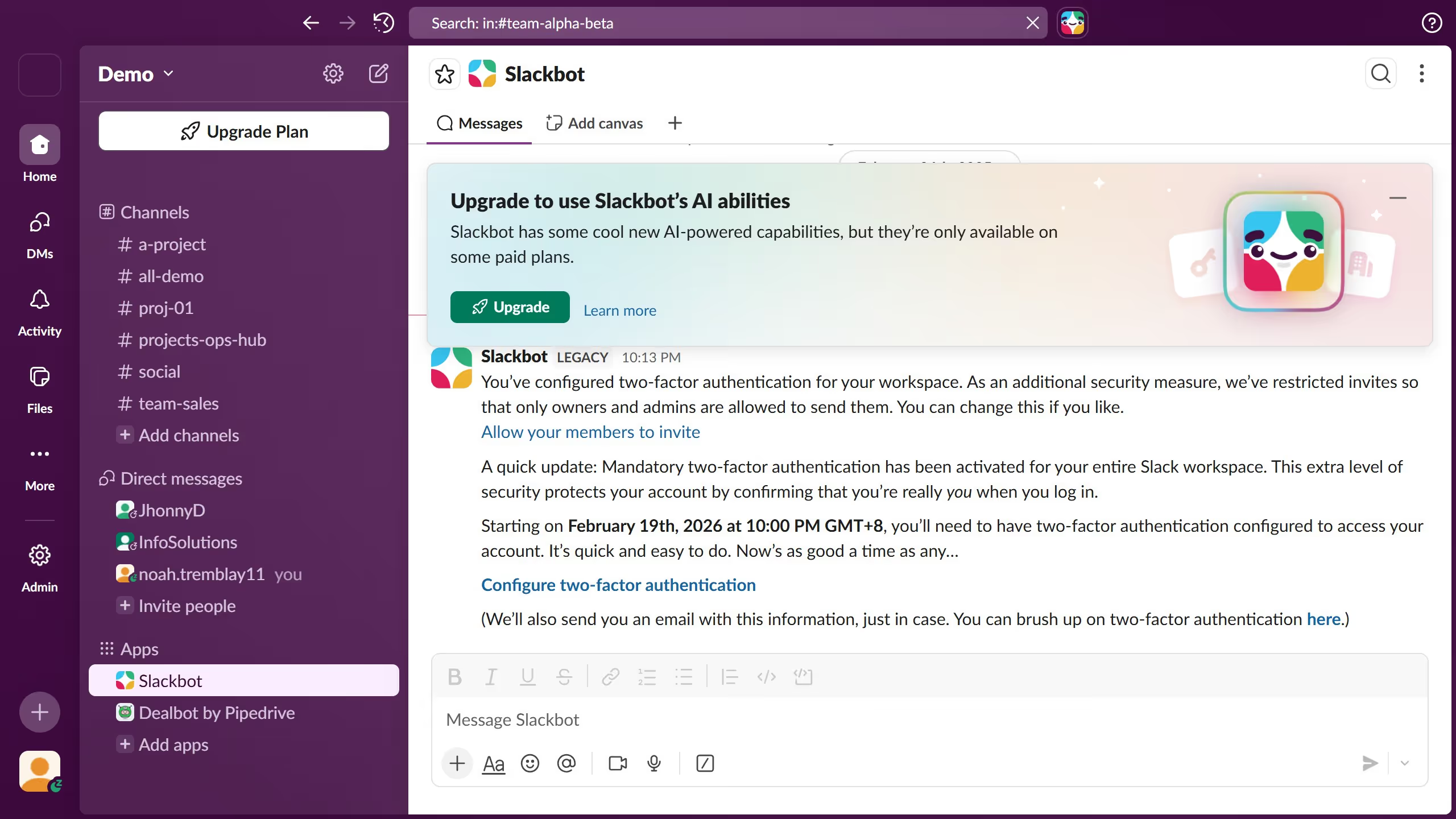
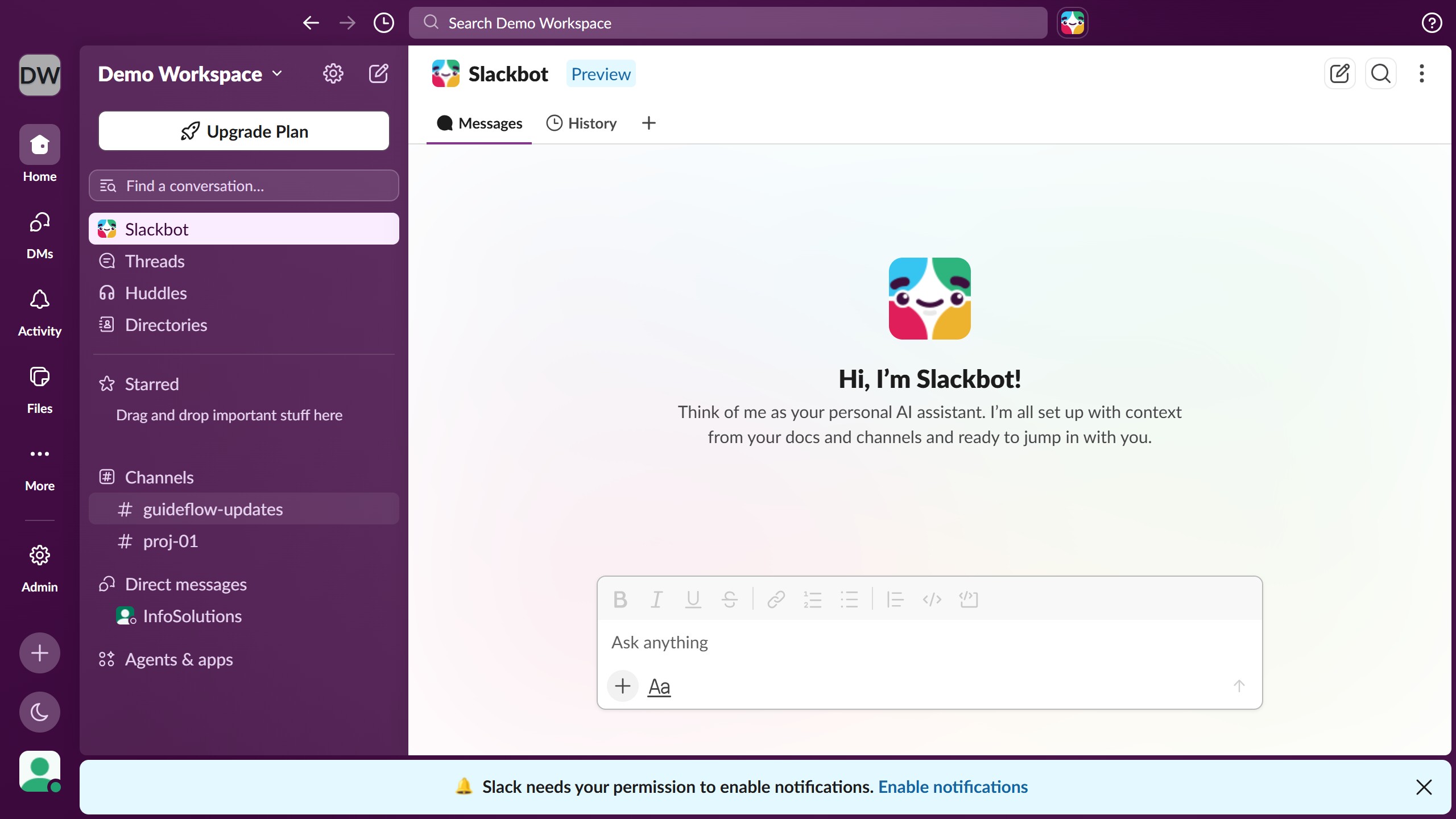
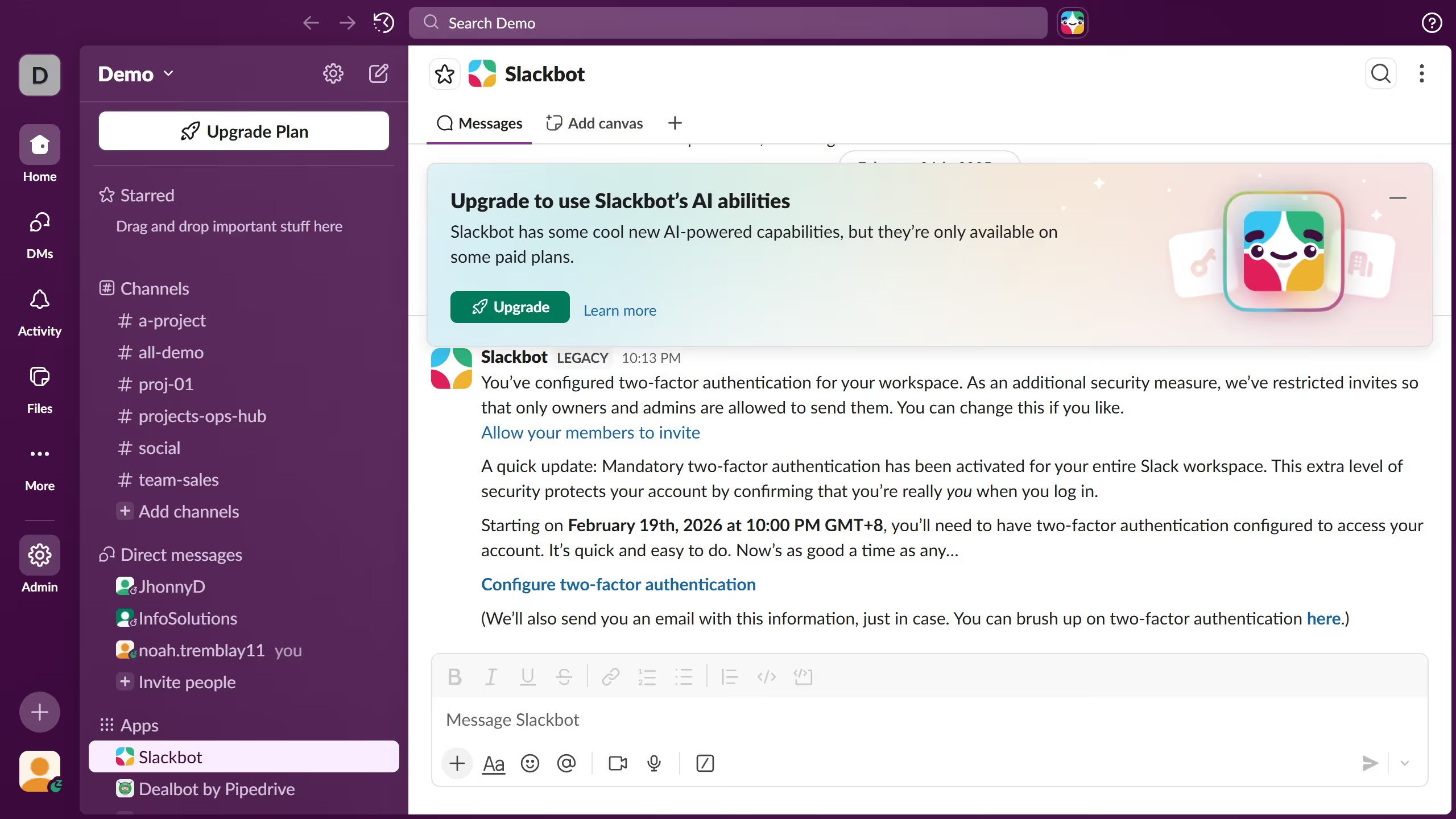
Slack is a business communication platform that organizes team conversations into channels and direct messages.
Website
Industry
Collaboration
Share this article:

How to add a profile photo in Slack

Here is how to add a profile photo in slack

  1. First click on the user profile button in the bottom-left corner of the sidebar
  2. Then click on the "Profile" option from the dropdown menu
  3. Next click on the "Upload Photo" button in the profile panel
  4. Then click on the "Save" button to confirm the profile photo upload
  5. Finally view the updated profile with the new photo displayed in the profile panel

Create your own interactive guide with Guideflow

Why should you add a profile photo in Slack

Slack is a dynamic communication platform designed to enhance team collaboration and productivity.

Adding a profile photo is one of Slack's user-friendly features, making it easy to personalize your work environment. A profile photo can help team members quickly identify and connect with you, enriching the collaboration process.

By uploading a profile picture, you bring a human touch to digital communication, which fosters a sense of community and assures your teammates know who they are communicating with.

Last update
March 16, 2026
Cursor MariaA cursor points to a button labeled "James."

Create your first demo in less than 30 seconds.