Slack
Slack is a business communication platform that organizes team conversations into channels and direct messages.
Website
Industry
Collaboration
Share this article:

How to manage attaching GIFs in Slack

Here is how to manage attaching gifs in slack

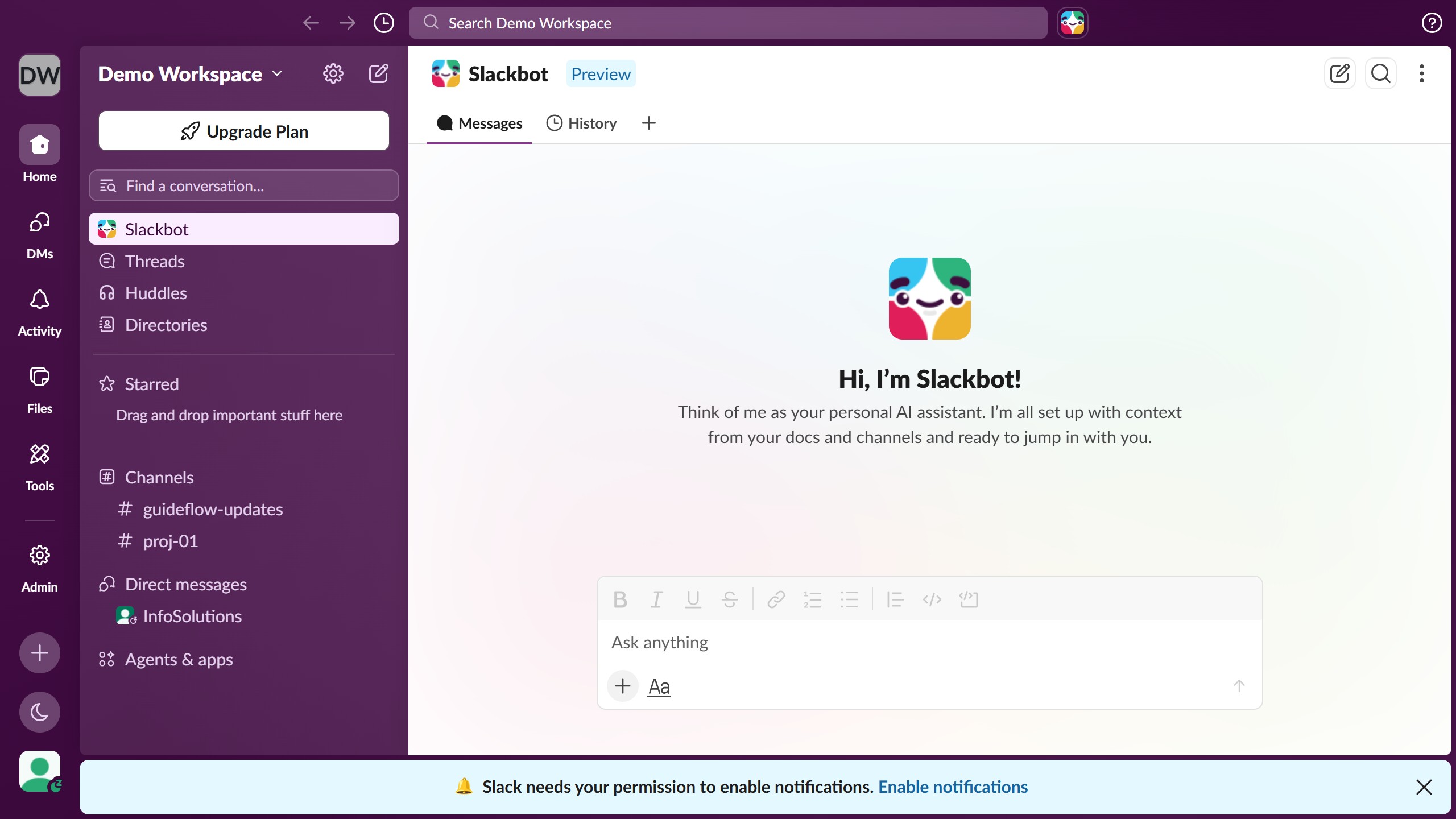
  1. First click on "Admin" button in the left sidebar
  2. Then click on "Workspace settings" option in the Admin Tools menu
  3. Next click on "Expand" button for the "Attach a GIF" section
  4. Then click on "Enable the GIF picker" checkbox
  5. Finally click on "Save" button

Create your own interactive guide with Guideflow

Why should you manage attaching GIFs in Slack

Slack is a dynamic team communication platform designed to streamline workflow and collaboration.

Attaching GIFs in Slack not only adds a dash of personality to messages but also enhances team interaction by infusing humor and emotion into the conversation.

Managing GIFs is simple and intuitive, allowing users to express themselves beyond text effortlessly, thereby maintaining engagement and boosting morale in the workspace.

By integrating GIFs, team members can convey reactions and sentiments swiftly, fostering a vibrant and connected virtual office culture.

Last update
March 16, 2026
Cursor MariaA cursor points to a button labeled "James."

Create your first demo in less than 30 seconds.