Slack
Slack is a business communication platform that organizes team conversations into channels and direct messages.
Website
Industry
Collaboration
Share this article:

How to unfollow channel threads in Slack

Here is how to unfollow channel threads in slack

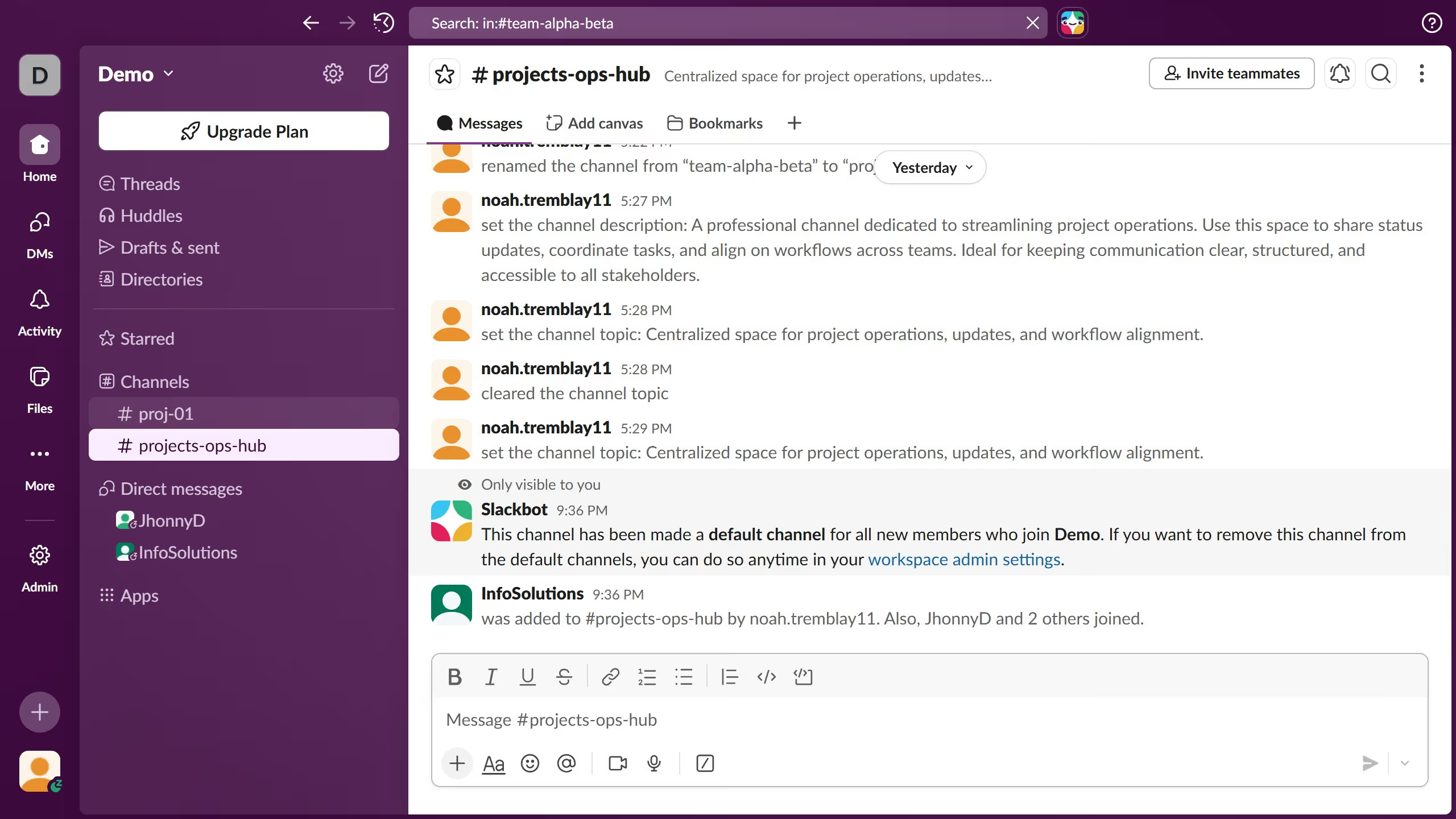
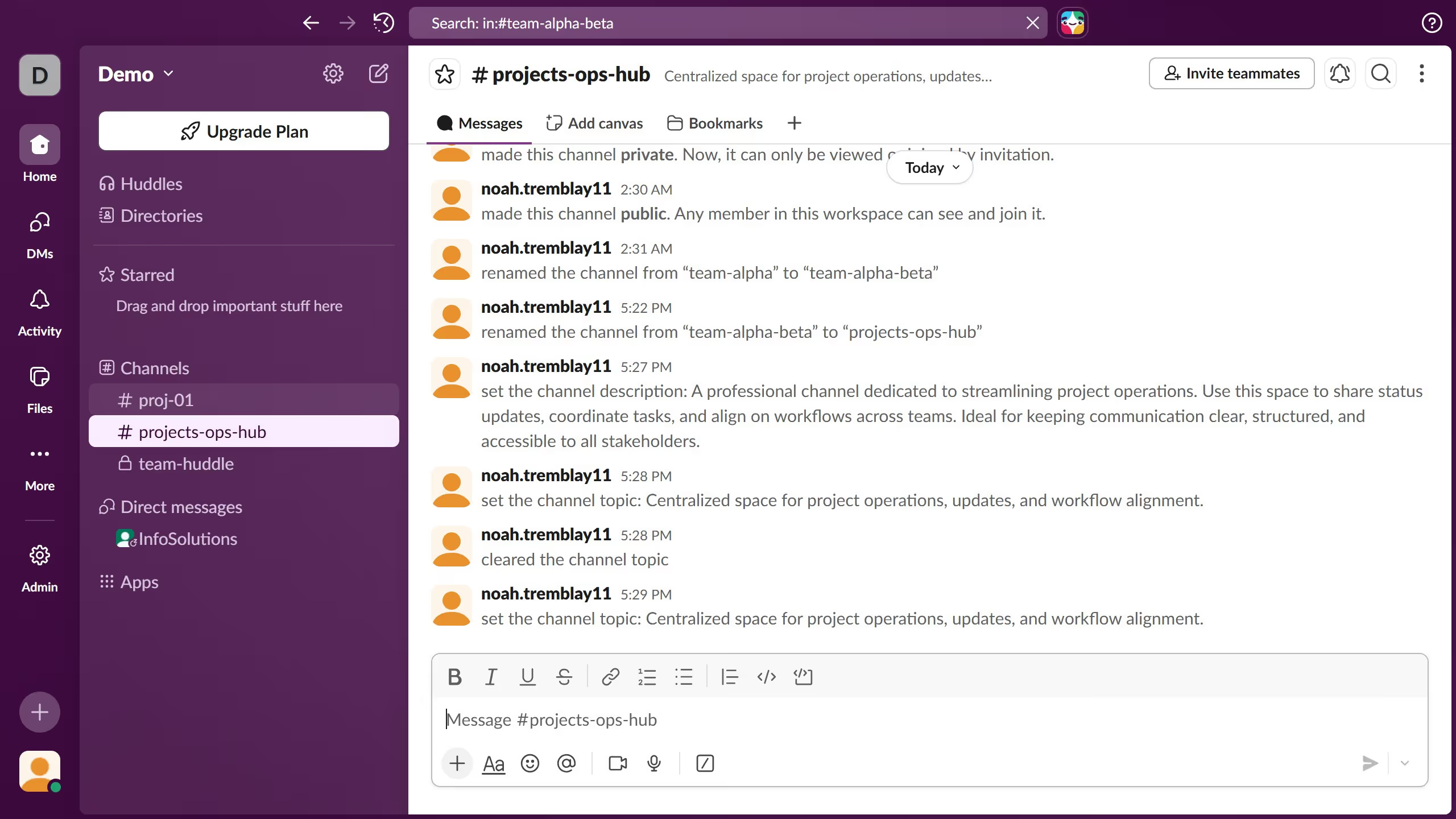
  1. First click on the channel name in the sidebar under the Channels section
  2. Then click on "Reply in thread" button on the message you want to unfollow
  3. Next click on the three-dot menu button in the thread panel header
  4. Finally click on "Turn off notifications for replies" option in the dropdown menu

Create your own interactive guide with Guideflow

Why should you unfollow channel threads in Slack

Slack is a dynamic communication platform designed to bring teams together, harnessing the power of collaboration.

A standout feature is the ability to unfollow channel threads. This feature empowers users to focus on pertinent conversations without being distracted by notifications from threads that no longer require their attention.

By tailoring the flow of information, users can enhance productivity and ensure clarity in communication. This means better focus and efficient workflow management.

Ultimately, staying organized and maintaining concentration becomes seamless with Slack's unfollow option.

Last update
March 16, 2026
Cursor MariaA cursor points to a button labeled "James."

Create your first demo in less than 30 seconds.