Slack
Slack is a business communication platform that organizes team conversations into channels and direct messages.
Website
Industry
Collaboration
Share this article:

How to manage channel organization settings in Slack

Here is how to manage channel organization settings in slack

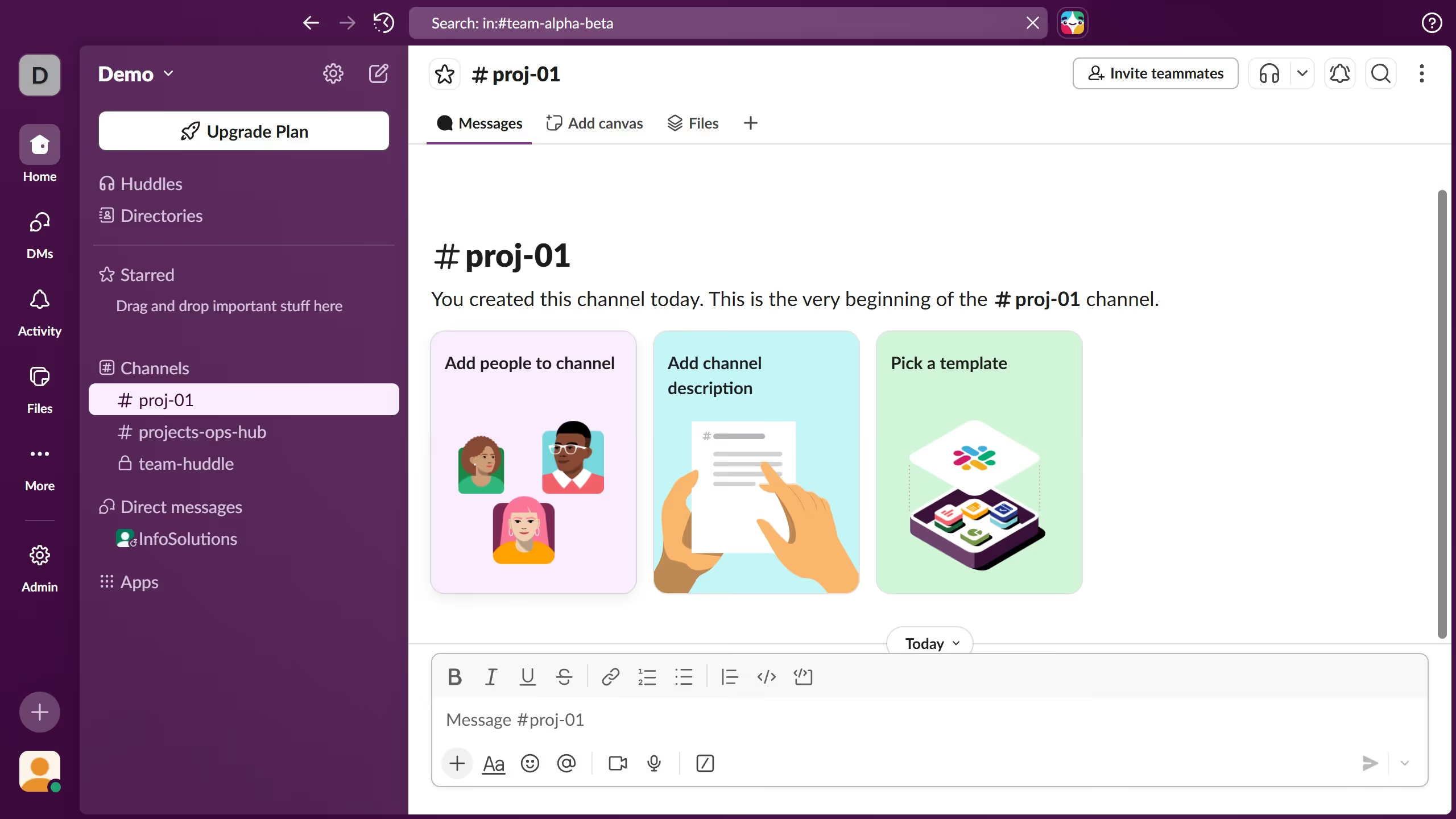
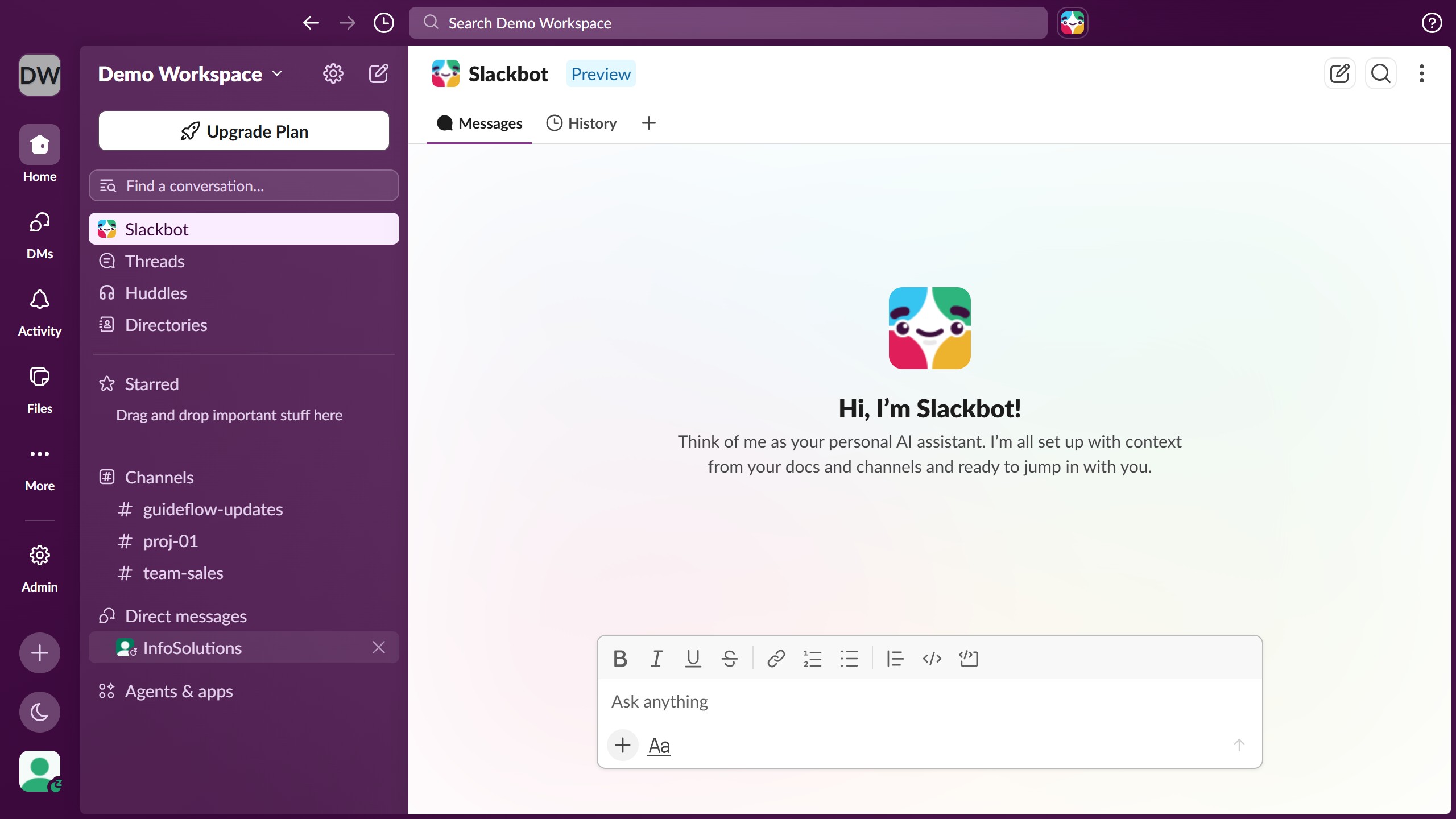
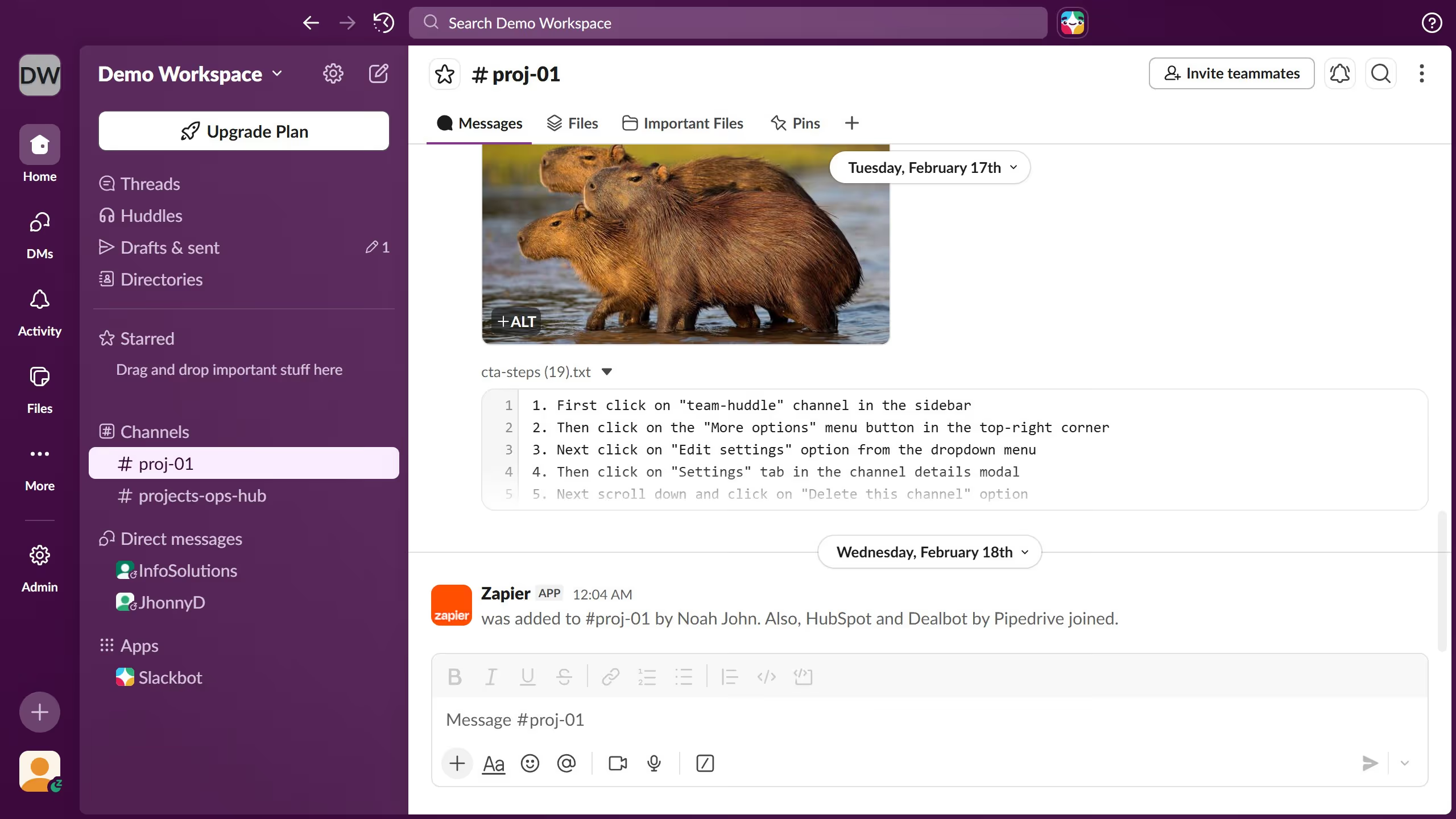
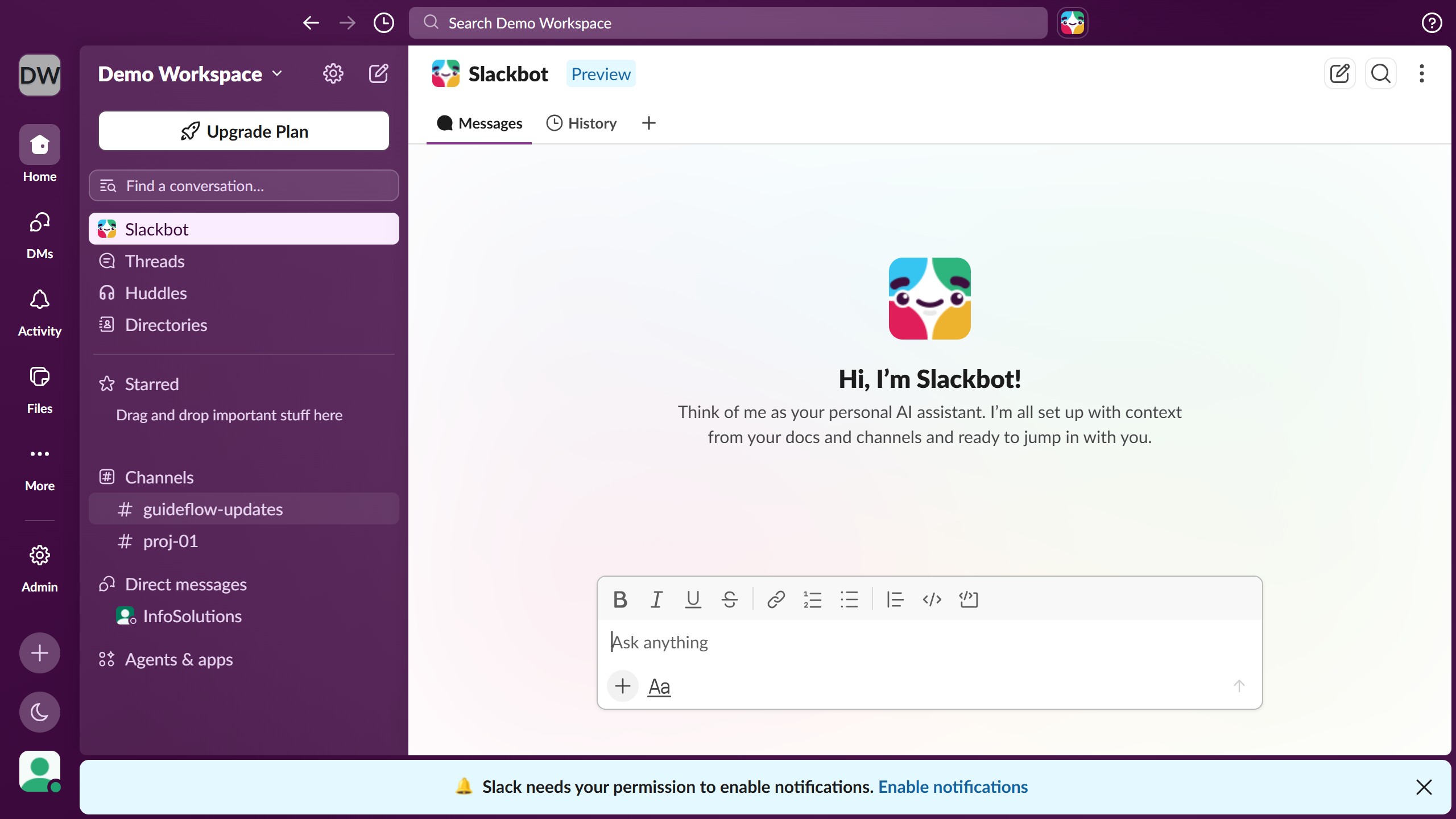
  1. First click on the profile icon in the bottom left sidebar to open the user menu
  2. Then click on "Preferences" option from the user menu
  3. Next click on "Home" option in the left sidebar of the Preferences dialog
  4. Then click on "Get recommendations to organize your channels" checkbox under Channel organization section
  5. Finally click on the close button at the top right corner of the Preferences dialog

Create your own interactive guide with Guideflow

Why should you manage channel organization settings in Slack

Slack is an intuitive communication platform designed to streamline teamwork and enhance productivity.

Managing channel organization settings in Slack allows users to tailor their workspace for optimal efficiency. This feature enables teams to categorize and prioritize channels, ensuring that information is accessible and discussions are focused. By organizing channels, you can reduce clutter and bring clarity to large-scale projects.

In addition to helping maintain a clean workspace, effective channel organization strengthens collaboration. It encourages team members to quickly pinpoint relevant conversations and resources, fostering a more connected and dynamic work environment.

Last update
March 16, 2026
Cursor MariaA cursor points to a button labeled "James."

Create your first demo in less than 30 seconds.