Customer.io
Customer.io is a messaging automation platform for personalized customer engagement.
Website
Industry
Marketing
Share this article:

How to edit webhooks in Customer.io

Here is how to edit webhooks in customer.io

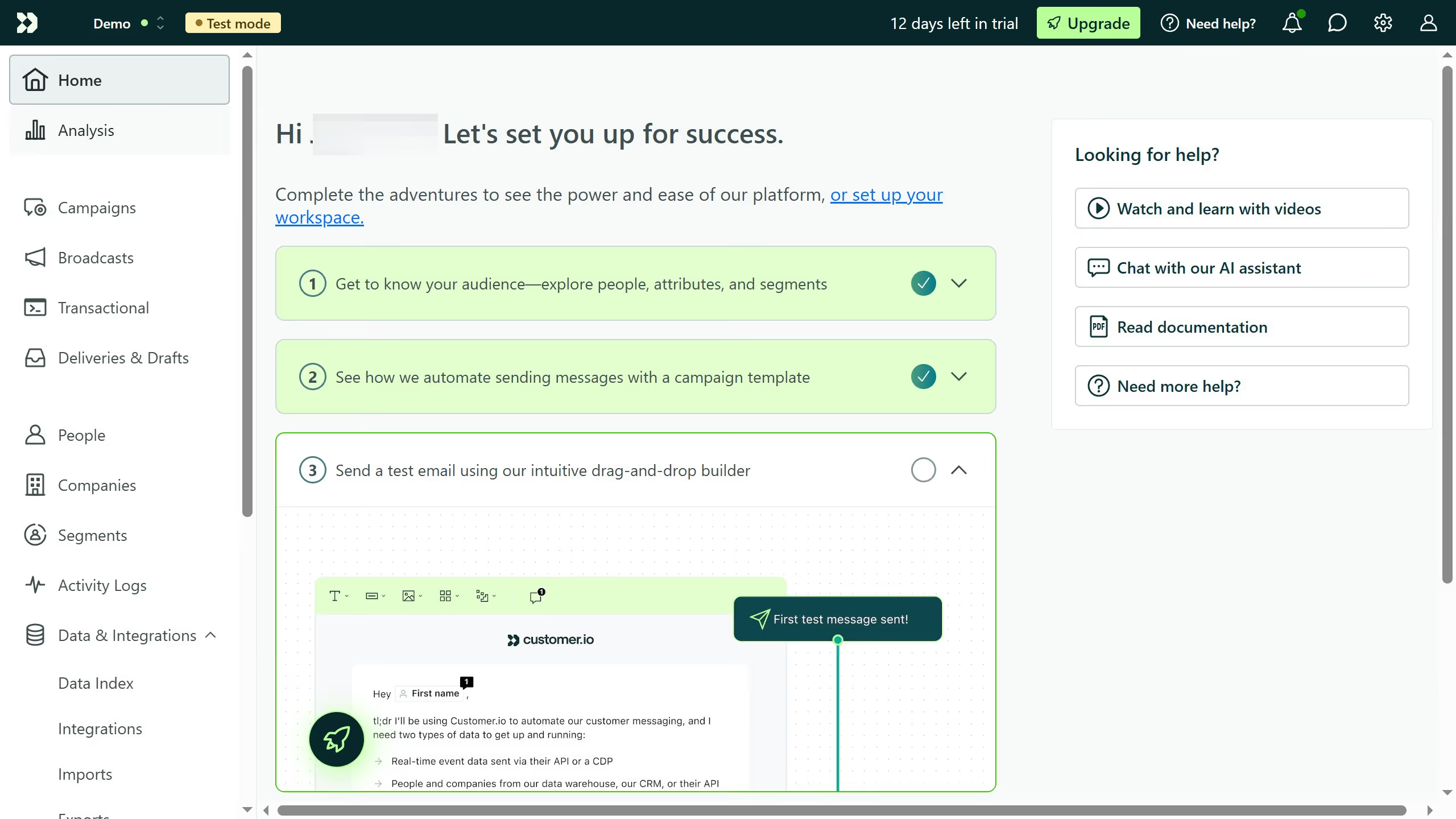
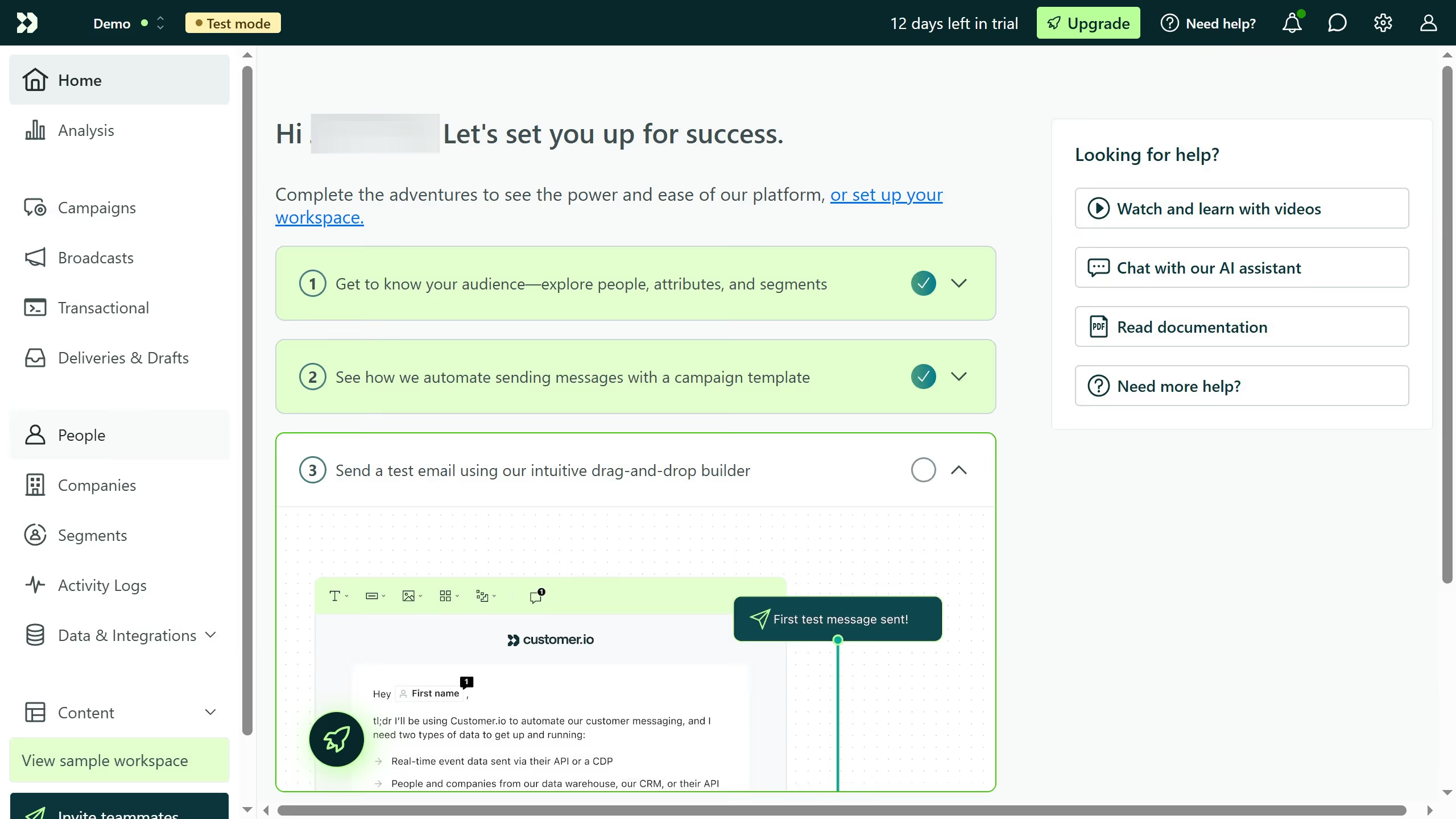
  1. First click on the "Campaigns" option in the left sidebar menu
  2. Next click on the campaign or broadcast that contains the webhook action
  3. Next click on the "Edit" link next to the "Webhook" step in the workflow editor
  4. Finally make your desired changes to the URL, method, headers, or payload

Create your own interactive guide with Guideflow

Why should you edit webhooks in Customer.io

Customer.io is a dynamic platform that empowers businesses to create personalized communication experiences for their audiences.

Editing webhooks in Customer.io allows users to tailor integrations, ensuring seamless data flow and automating workflows with precision.

This feature benefits users by enhancing operational efficiency and enabling customized responses to specific events.

Utilizing webhooks in Customer.io enhances your communication strategy, offering unparalleled control over how data interacts and disseminates across various endpoints.

Last update
March 2, 2026
Cursor MariaA cursor points to a button labeled "James."

Create your first demo in less than 30 seconds.