Customer.io
Customer.io is a messaging automation platform for personalized customer engagement.
Website
Industry
Marketing
Share this article:

How to search people by domain in Customer.io

Here is how to search people by domain in customer.io

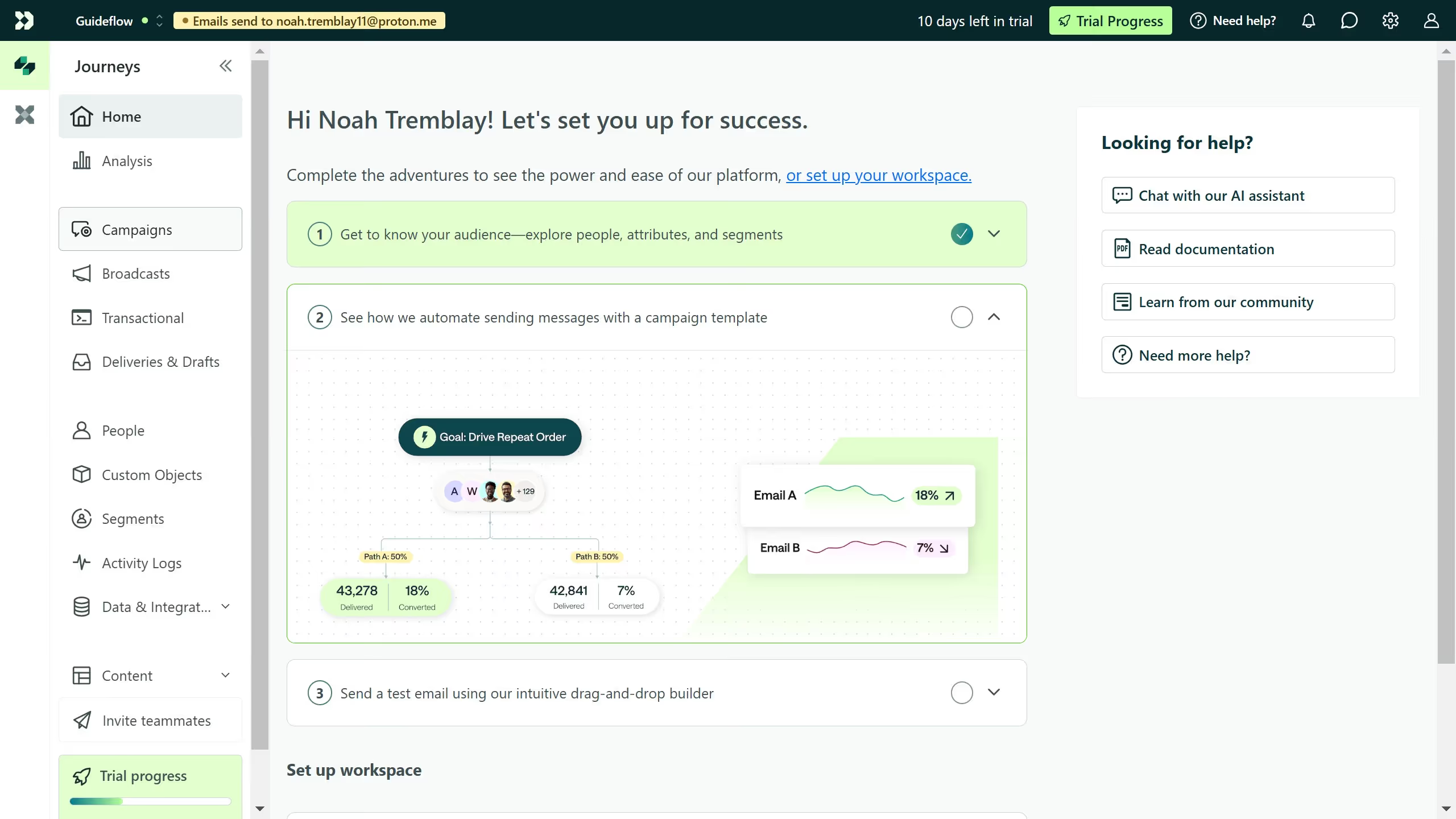
  1. First click "People" in the left sidebar menu
  2. Then in the search bar, type @domain.com (replace domain.com with the email domain you want to search for)
  3. Next press "Enter" or click the search icon
  4. The results will show all people with email addresses ending in that domain and click on any result to view the person’s profile

Create your own interactive guide with Guideflow

Why should you search people by domain in Customer.io

Customer.io is an intuitive platform designed to help businesses build impactful customer communications.

The ability to search people by domain in Customer.io offers an efficient way to segment users based on their email domains.

This feature allows marketers to target specific groups more accurately, enhancing personalized communication strategies.

By leveraging domain-based searches, businesses can tailor their messages for different audiences, leading to improved engagement and conversion rates.

Last update
July 1, 2026
Cursor MariaA cursor points to a button labeled "James."

Create your first demo in less than 30 seconds.