How to download project designs as PDF print in Canva
Here is how to download project designs as pdf print in canva
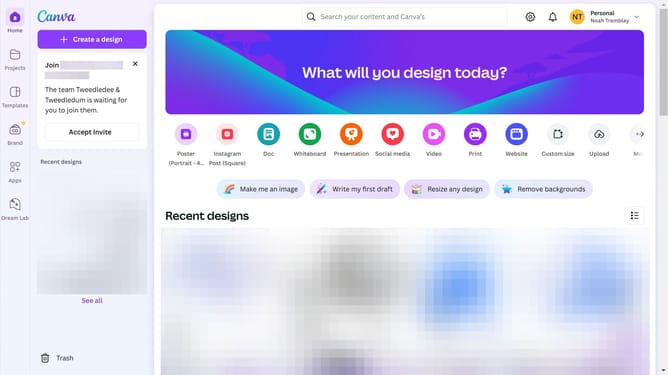
- First click on the "Projects" button in the left sidebar
- Then click on the "Designs" tab in the content area
- Next click on the "Testing Design" item in the project list
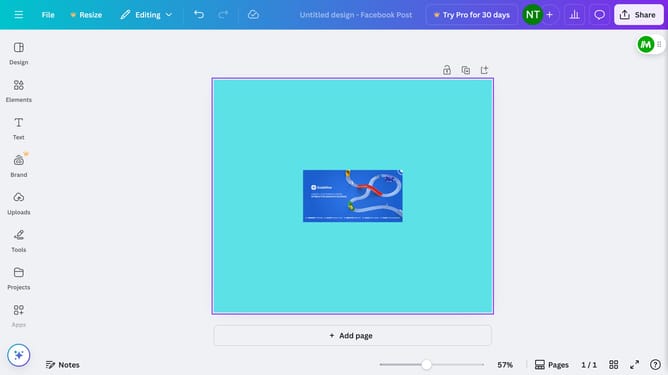
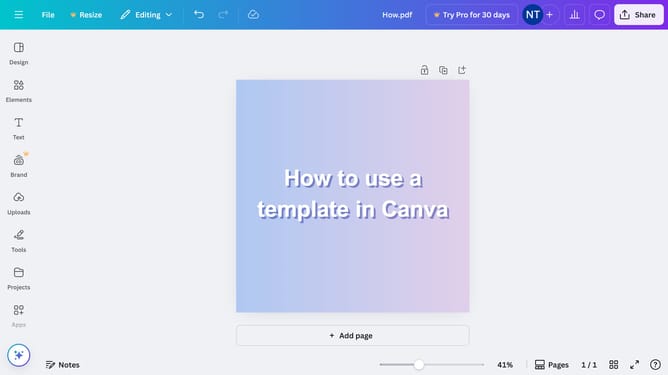
- Next click on the "File" menu in the top navigation bar
- Next click on the "Download" option menu in the File dropdown menu
- Then click on the dropdown menu to open the file types
- Next click on "PDF Print" option in the file type dropdown
- Finally click the "Download" button in the download dialog
Why should you download project designs as PDF print in Canva
Canva is a dynamic design platform empowering individuals to create stunning visual content effortlessly.
Downloading project designs as a PDF print in Canva is a seamless feature designed for convenience and versatility. This option allows users to save their creations in a format that's ready for high-quality printing, preserving colors and layouts perfectly.
Utilizing this feature streamlines the transition from digital designs to tangible prints, making it ideal for creating professional presentations, marketing materials, and personal projects.
The PDF print feature enhances accessibility, ensuring designs maintain their integrity, regardless of where they're viewed or printed.
Last update