How to disable the Sprint planning meeting blueprint in Confluence
Here is how to disable the sprint planning meeting blueprint in confluence
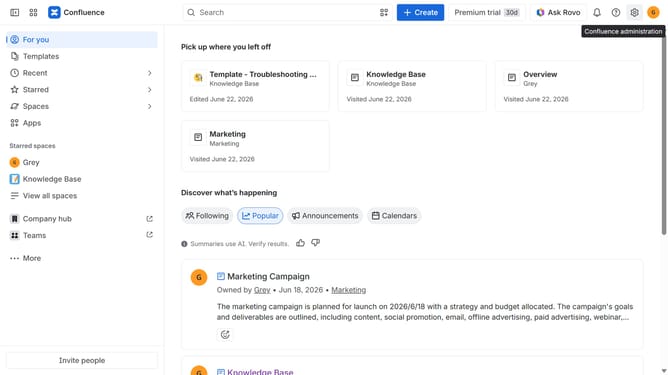
- First click on the gear icon in the top right header
- Click on "Configuration" in the left sidebar under Settings
- Next, select "Global templates and blueprints"
- After that, locate the "Global blueprints" section
- Then locate the "Sprint planning meeting" blueprint in the Global blueprints list
- Finally, turn off the toggle next to the blueprint to disable it
Why should you disable the Sprint planning meeting blueprint in Confluence
Confluence is a collaborative workspace that empowers teams to create and share knowledge seamlessly.
Disabling the Sprint planning meeting blueprint in Confluence allows teams to tailor their planning processes to best fit their unique workflows. This feature is particularly useful for teams that have devised a customized sprint strategy or utilize alternative agile methodologies.
By refining the toolset to reflect actual needs, teams can enhance focus and efficiency, ensuring that every planning session is as effective and relevant as possible.
Last update