How to disable the QTC Acquisition blueprint in Confluence
Here is how to disable the qtc acquisition blueprint in confluence
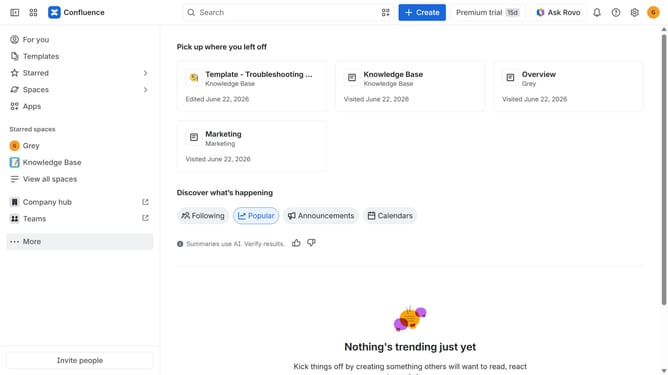
- First click on the gear icon in the top right header
- Click on "Configuration" in the left sidebar under Settings
- Next, select "Global templates and blueprints"
- After that, locate the "Global blueprints" section
- Then locate the "QTC Acquisition" blueprint in the Global blueprints list
- Finally, turn off the toggle next to the blueprint to disable it
Why should you disable the QTC Acquisition blueprint in Confluence
Confluence is a powerful collaboration tool designed to streamline teamwork and enhance productivity by providing a centralized platform for sharing information and managing projects.
Disabling the QTC Acquisition blueprint in Confluence can help in streamlining functionalities and decluttering the interface to focus on the most important tasks at hand.
This adjustment is particularly beneficial for teams who want to tailor their workspace, ensuring that only relevant features and blueprints are at their disposal, thus enhancing efficiency and focus.
Besides improving workspace organization, it also aids in reducing potential distractions, leading to a more coherent and user-friendly environment for team collaboration.
Last update