How to generate a space report in Confluence
Here is how to generate a space report in confluence
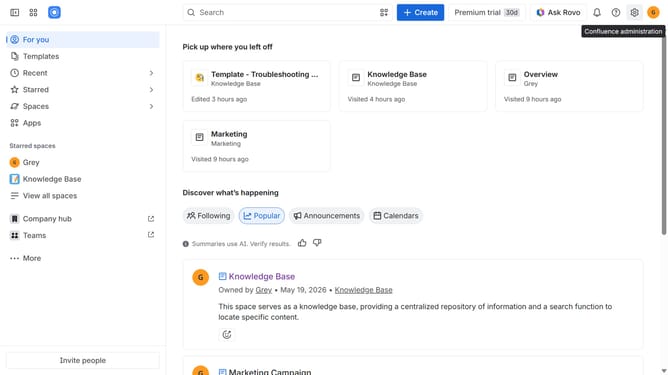
- First click on the settings icon in the top right corner to open confluence administration
- In the sidebar, click on "Data management"
- Next select "Space reports" in the submenu
- Then click on the "Create report" button in the header
- Finally click on the "Download" button to download the report
Why should you generate a space report in Confluence
Confluence is a collaborative workspace designed to help teams create, share, and manage knowledge efficiently.
Generating a space report in Confluence is a powerful feature that provides a comprehensive overview of activity within a specific space.
Using this feature supports team transparency by highlighting what’s been accomplished, identifying areas for improvement, and ensuring everyone stays informed.
The ability to quickly generate a space report empowers teams to maintain focus and align on common goals.
Last update