How to disable the Lenny's performance review blueprint in Confluence
Here is how to disable the lenny's performance review blueprint in confluence
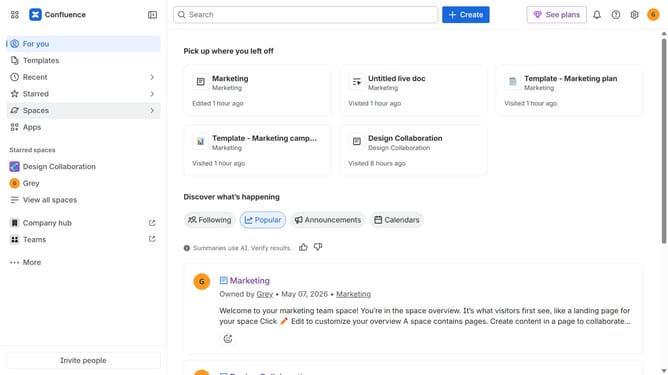
- First click on the gear icon in the top right header
- Click on "Configuration" in the left sidebar under Settings
- Next, select "Global templates and blueprints"
- After that, locate the "Global blueprints" section
- Then locate the "Lenny's performance review" blueprint in the Global blueprints list
- Finally, turn off the toggle next to the blueprint to disable it
Why should you disable the Lenny's performance review blueprint in Confluence
Confluence is a collaborative workspace that empowers teams to work together effectively, facilitating seamless communication and project management.
Disabling Lenny's performance review blueprint in Confluence can streamline the review process by removing unnecessary steps tailored for specific workflows.
This feature ensures that only relevant tools are used, reducing complexity and enhancing overall productivity.
Employing this function allows teams to focus on more crucial tasks, promoting efficiency and a cleaner workspace.
Last update