How to enable recommendation Slack messages in Confluence
Here is how to enable recommendation slack messages in confluence
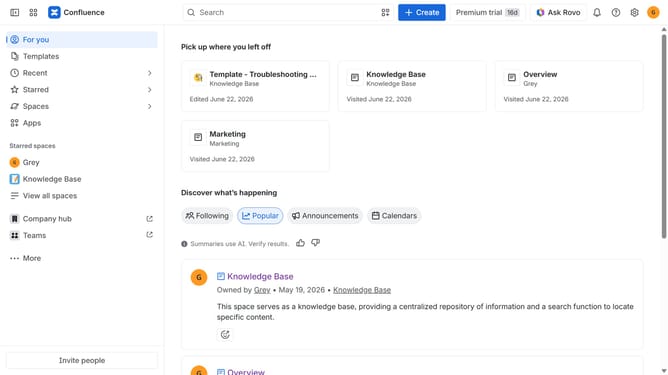
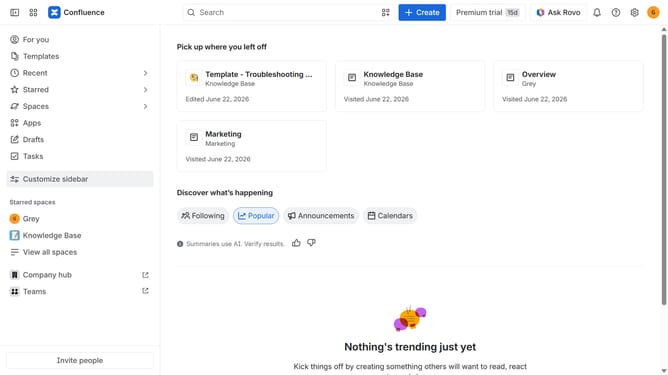
- First click on the gear icon in the top right corner
- Find "Settings" in the Confluence administration menu
- Next, click on the "Configuration" option
- Select "Notifications" from the expanded settings menu
- After that, locate the "Slack settings" section
- Then check the box for "Recommendation Slack message" to enable it
- Finally, click on the "Save Slack setting changes" button
Why should you enable recommendation Slack messages in Confluence
Confluence is a collaborative workspace where teams can create, share, and manage content effortlessly.
Enabling recommendation Slack messages in Confluence enhances communication by seamlessly integrating team collaboration with real-time messaging.
This feature encourages timely updates, ensuring team members are always informed and aligned, which boosts productivity and streamlines project workflows.
By aligning platforms, it fosters a more connected and responsive work environment, reducing silos and enhancing team synergy.
Last update