How to set a system operation to not assign a role in Confluence
Here is how to set a system operation to not assign a role in confluence
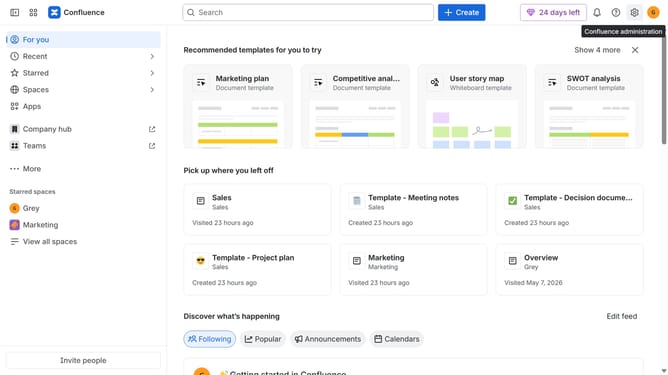
- First click on the settings icon in the top right corner to open confluence administration
- In the sidebar, click on "Permissions"
- Next, click on "System operations" in the submenu
- Locate the system operation whose role assignment you want to disable
- After that, click on the role dropdown next to it
- Then, select "Don't assign a role" from the dropdown menu
- Finally, click on the "Remove access" button in the confirmation dialog
Why should you set a system operation to not assign a role in Confluence
Confluence is a powerful collaboration software designed to help teams work together efficiently by creating and sharing content.
Setting system operations to not assign a role in Confluence allows for a tailored user experience, ensuring that only necessary permissions are granted, enhancing security and reducing complexity.
This feature is beneficial as it helps maintain a clean and organized workspace, enabling teams to focus on their tasks without unnecessary distractions. By controlling role assignments, you streamline team interactions and enhance operational efficiency.
Last update