How to enable apps in a Confluence space
Here is how to enable apps in a confluence space
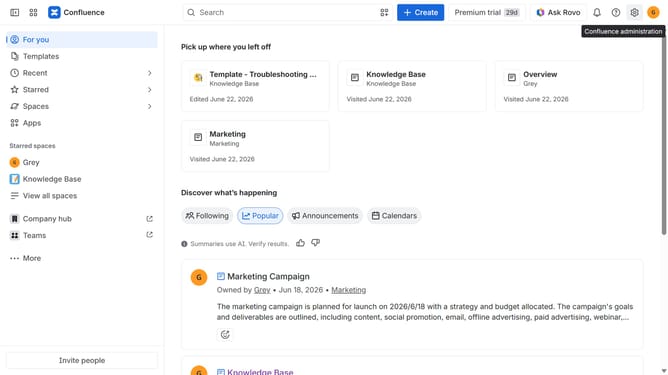
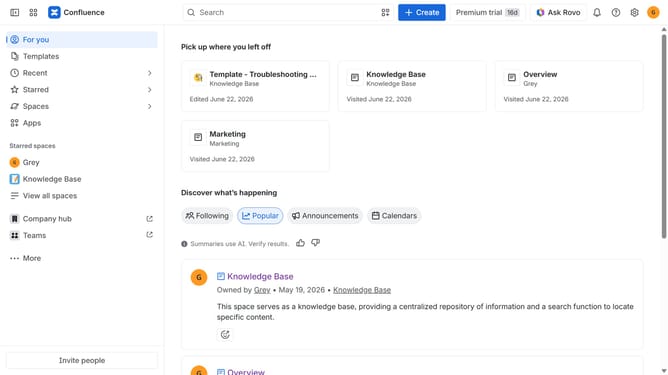
- First click on "Spaces" in the left sidebar
- Next click on the "View all spaces" option
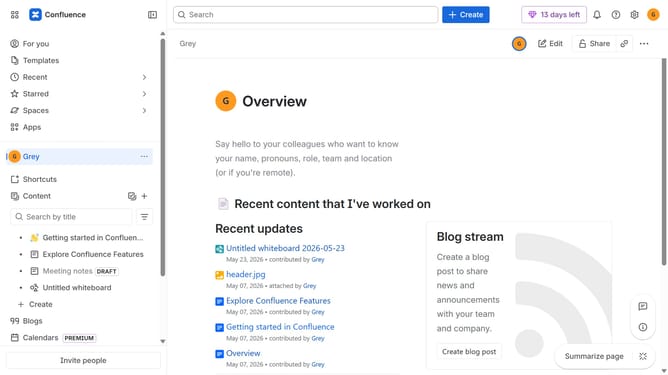
- From the list of spaces, select the space you want to manage features for
- Then click on the "three dots" button next to the space name in the sidebar
- From the dropdown menu, select the "Space settings" option
- Next click the "General" menu in the left sidebar
- Select "Features" from the submenu
- Then, locate the “Apps” feature
- Finally, turn on the toggle next to "Apps" to enable it
Why should you enable apps in a Confluence space
Confluence is a dynamic team collaboration tool designed to streamline your workflow and bring all your work together in one place.
Enabling apps in a Confluence space enhances its functionality by integrating essential tools directly into your workspace. This feature allows you to tailor the space to fit your team's unique needs, ensuring more efficient processes and greater productivity.
Taking advantage of app integration helps teams collaborate seamlessly, fosters innovation, and optimizes project management, thereby maximizing your Confluence experience.
Last update