How to export a page as a PDF in Confluence
Here is how to export a page as a pdf in confluence
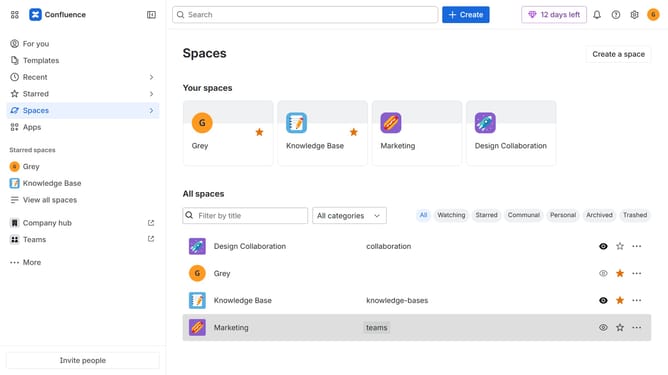
- First, navigate to the space that contains the page you want to export
- Next, open the page you want to export from the “Content” section in the sidebar
- After that, click the "More actions" (three dots) button in the top-right corner of the page
- Click on "Export" from the dropdown menu
- Then select "Export to PDF" from the expanded export options
- Finally, once the export is ready, click the “Download PDF” button to download the generated PDF file
Why should you export a page as a PDF in Confluence
Confluence is a powerful collaboration tool designed to centralize and streamline your team's knowledge.
Exporting a page as a PDF in Confluence is a valuable feature that enhances accessibility and sharing capabilities.
This seamless function allows teams to effortlessly create a tangible and easily distributable document that preserves the page's original formatting.
Utilizing this feature, teams can ensure that important information is readily accessible, making collaboration smoother and more effective.
Last update