How to install Composition Tabs in Confluence
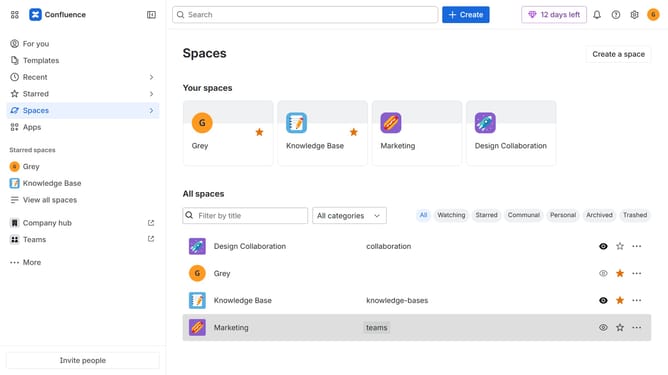
Here is how to install composition tabs in confluence
- First click on "Apps" in the navigation
- Next, select the "Explore more apps" option
- From the list, locate "Composition Tabs for Confluence" and click on it to open the app details page
- After that, click on the "Try it free" button
- Select the Confluence site where it will be installed
- Then click on the "Review" button to proceed
- Review the app details, permissions, and other information
- Finally, click on the "Start free trial" button
Why should you install Composition Tabs in Confluence
Confluence is a dynamic team collaboration platform designed to streamline the sharing and management of knowledge.
Installing Composition Tabs in Confluence enhances this platform by allowing users to organize content in tabbed sections, offering a clean and structured way to present complex information.
This feature helps teams keep workspaces tidy and reduces clutter, making it easier to navigate and locate information.
Utilizing Composition Tabs can significantly enhance productivity by providing a visually intuitive way to access and categorize content effectively, ultimately fostering a more organized and efficient collaboration environment.
Last update