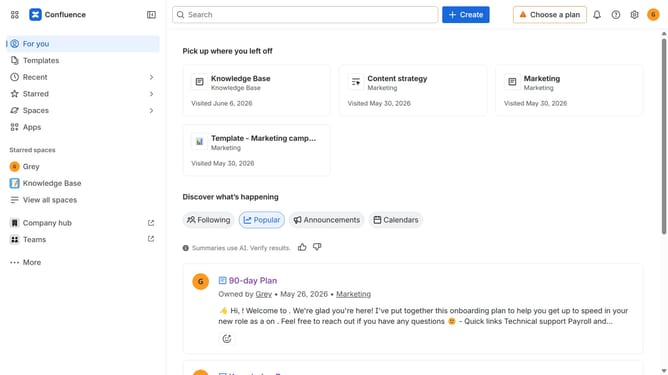
How to receive daily activity summaries in Slack from Confluence
Here is how to receive daily activity summaries in slack from confluence
- First click on the gear icon in the top right corner
- Find "Settings" in the Confluence administration menu
- Next, click on the "Configuration" option
- Select "Notifications" from the expanded settings menu
- After that, locate the "Slack settings" section
- Then check the "Daily Digest Slack message" checkbox to enable it
- Finally, click on the "Save Slack setting changes" button
Why should you receive daily activity summaries in Slack from Confluence
Confluence is a powerful collaboration tool designed to help teams create, share, and manage content efficiently.
By enabling daily activity summaries in Slack from Confluence, teams can stay informed without toggling between platforms. This integration ensures that team members are updated on significant changes, comments, or tasks, directly in Slack, facilitating seamless workflow and communication.
Receiving these summaries boosts team awareness and encourages timely responses. It cultivates a more connected team environment, optimizing productivity and collaboration without additional effort.
Last update