How to install Confluence Command Line Interface (CLI) in Confluence
Here is how to install confluence command line interface (cli) in confluence
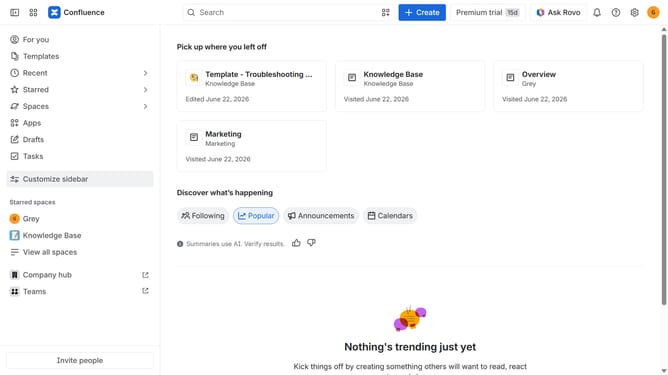
- First click on "Apps" in the navigation
- Next, select the "Explore more apps" option
- From the list, locate "Confluence Command Line Interface (CLI)" and click on it to open the app details page
- After that, click on the "Try it free" button
- Select the Confluence site where the app will be installed
- Then click on the "Review" button to proceed
- Review the app details, permissions, and other information
- Finally, click on the "Start free trial" button
Why should you install Confluence Command Line Interface (CLI) in Confluence
Confluence is a powerful collaboration tool that helps teams organize their work efficiently.
Installing the Confluence Command Line Interface (CLI) in Confluence adds a layer of enhanced control and automation capabilities to your workspace.
With CLI, you can execute a wide range of commands to streamline your operations, automate processes, and integrate Confluence with other tools effortlessly.
This feature empowers users to enhance productivity by reducing manual tasks and enabling seamless workflow integration.
Last update