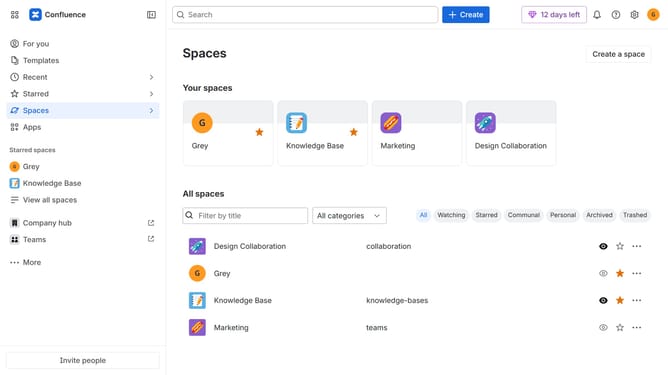
How to restore a user’s access in your organization in Confluence
Here is how to restore a user’s access in your organization in confluence
- First click on the "Switch sites or apps" button in the top left corner
- Next select "Administration" in the dropdown menu
- In the administration sidebar, click on "Directory"
- Select "Users" from the directory submenu
- Locate the suspended user you want to restore access
- Then, click on the three dots in the Actions column
- Finally, click on "Restore access" from the dropdown menu
Why should you restore a user’s access in your organization in Confluence
Confluence is a powerful collaboration tool designed for seamless team documentation and knowledge-sharing.
Restoring a user's access in Confluence ensures that no valuable contributions or insights are missed, supporting smooth collaboration workflows.
This feature facilitates immediate reactivation of permissions, minimizing downtime and maintaining productivity within your organization.
By quickly reinstating user access, Confluence reinforces an inclusive and efficient workplace, fostering innovation and progress.
Last update