How to stop receiving daily Slack digest messages from Confluence
Here is how to stop receiving daily slack digest messages from confluence
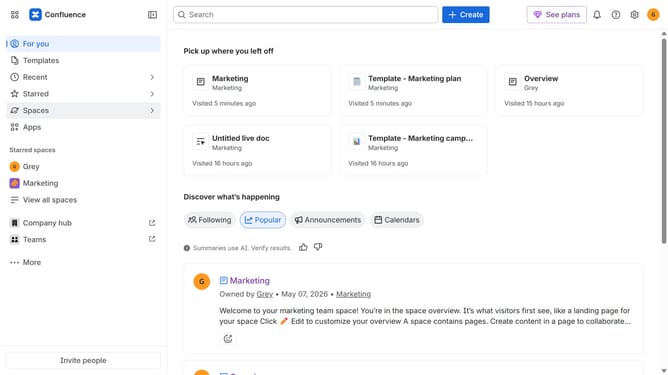
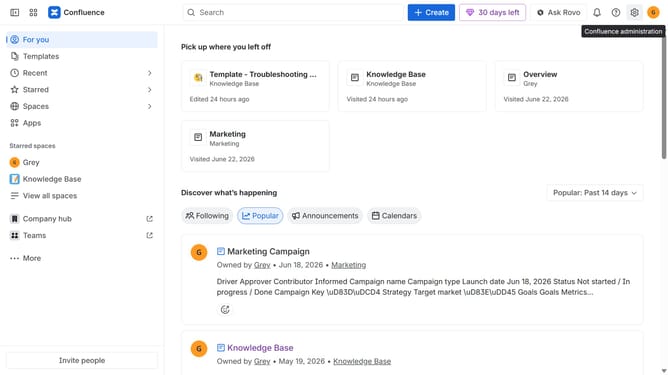
- First click on the gear icon in the top right corner
- Find "Settings" in the Confluence administration menu
- Next, click on the "Configuration" option
- Select "Notifications" from the expanded settings menu
- After that, locate the "Slack settings" section
- Then uncheck the "Daily Digest Slack message" checkbox to disable it
- Finally, click on the "Save Slack setting changes" button
Why should you stop receiving daily Slack digest messages from Confluence
Confluence is a collaborative workspace designed to help teams work together more efficiently by organizing documents and projects in one place.
To enhance productivity, you may opt to stop receiving daily Slack digest messages from Confluence. This feature can reduce unnecessary notifications, allowing you to focus more on critical tasks.
By minimizing distractions, you create a more streamlined workflow, optimizing both individual focus and team collaboration. Enjoy better control over your workspace notifications with this feature!
Last update