How to set the default home page in Confluence
Here is how to set the default home page in confluence
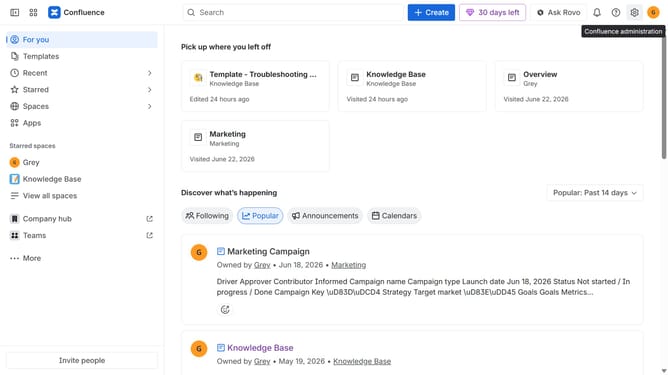
- First click on the gear icon in the top right header
- Find "Settings" in the Confluence administration menu
- Next click on "Configuration"
- After that, select "General configuration" in the submenu
- In the Confluence setup section, locate the "Confluence landing page" setting
- Next click on the dropdown menu
- Then select your preferred landing page from the dropdown menu
- Finally scroll down and click on the "Save configuration changes" button
Why should you set the default home page in Confluence
Confluence is a powerful team collaboration software that fosters seamless information sharing and organization.
Setting the default home page in Confluence lets teams access critical information swiftly, enhancing productivity and focus.
This feature ensures everyone starts with the most important content tailored to their needs, boosting efficient navigation and reducing time spent searching for key resources.
Optimizing the user experience, it’s a simple change with far-reaching benefits, setting the tone for organized, effective teamwork.
Last update