How to disable the Job Offer Letter blueprint in Confluence
Here is how to disable the job offer letter blueprint in confluence
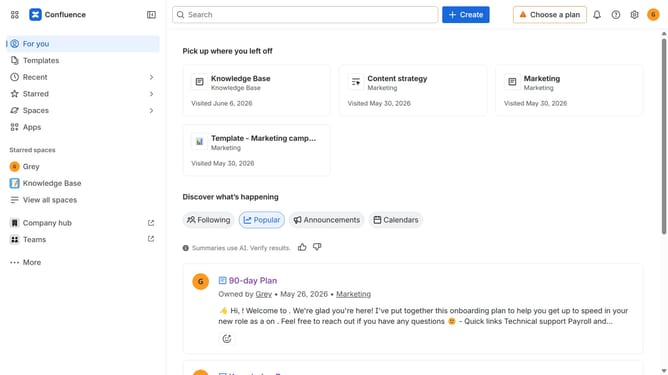
- First click on the gear icon in the top right header
- Click on "Configuration" in the left sidebar under Settings
- Next, select "Global templates and blueprints"
- After that, locate the "Global blueprints" section
- Then locate the "Job Offer Letter" blueprint in the Global blueprints list
- Finally, turn off the toggle next to the blueprint to disable it
Why should you disable the Job Offer Letter blueprint in Confluence
Confluence is a powerful collaboration tool designed to help teams share knowledge and streamline their workflows.
Disabling the Job Offer Letter blueprint in Confluence allows for customization of workspaces, ensuring that only necessary templates are available. This feature helps declutter options, making it easier for teams to focus on relevant tasks.
By managing blueprints effectively, organizations can enhance productivity and maintain an organized, user-friendly digital workspace. This tailored approach fosters efficiency and promotes team engagement.
Last update