How to download audit log records in Confluence
Here is how to download audit log records in confluence
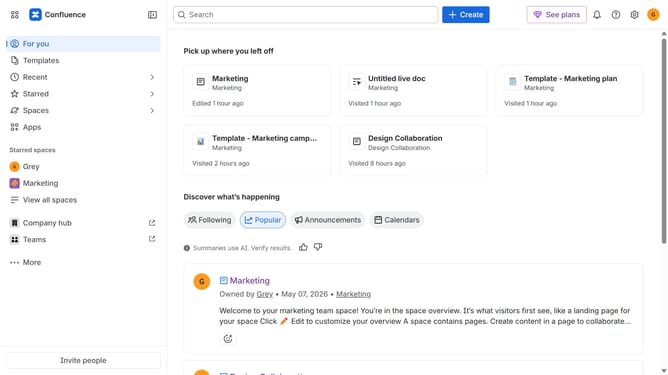
- First click on the gear icon in the top right header
- Next, click on "Audit log" in the left sidebar under "Monitoring"
- Then click on "Export" in the top-right of the audit log
Why should you download audit log records in Confluence
Confluence is a versatile collaboration tool tailored for teams to efficiently organize and share information.
Among its many features, downloading audit log records stands out. This function allows administrators to track and review historical data effectively.
By accessing these logs, organizations can monitor user activity, enhancing transparency and accountability.
Ultimately, this feature fosters improved decision-making and robust security oversight in any company.
Last update