How to export active users in Confluence
Here is how to export active users in confluence
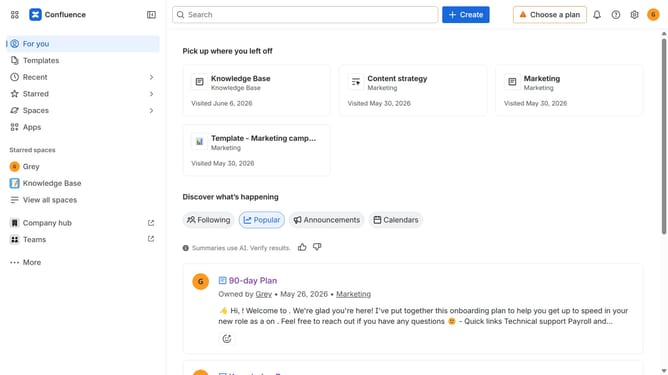
- First click on the "Switch sites or apps" button in the top left corner
- Next select "Administration" in the dropdown menu
- In the administration sidebar, click on "Directory"
- Select "Users" from the directory submenu
- Click on the three dots icon in the top right corner
- Then, click on the "Export users" option
- In the dialog box, select the "Only active users" option under User status
- Optionally, choose other data you want to export
- Finally, click on the "Export" button to confirm
Why should you export active users in Confluence
Confluence is a powerful collaboration tool designed to help teams create, share, and manage content seamlessly.
The ability to export active users in Confluence allows administrators to efficiently monitor and analyze user engagement. This feature provides essential insights into how team members are interacting with the platform, ultimately driving more informed decision-making.
Understanding active user data enhances resource allocation and improves collaboration strategies. It streamlines administrative tasks, saving time while fostering a vibrant, engaged workspace. Embrace clearer user insights for a more effective team dynamic.
Last update