How to disable databases in a Confluence space
Here is how to disable databases in a confluence space
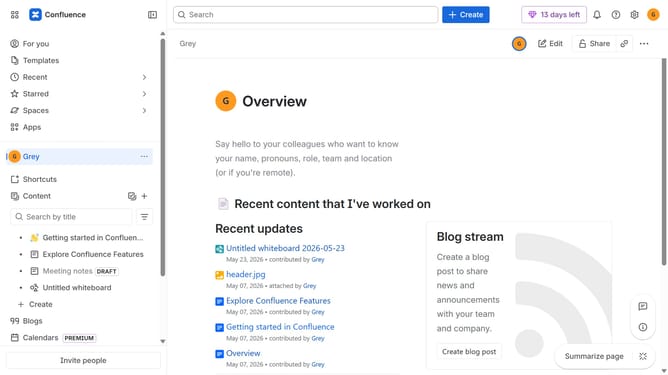
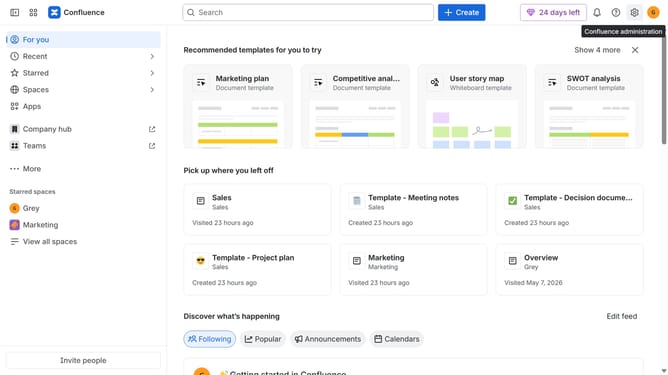
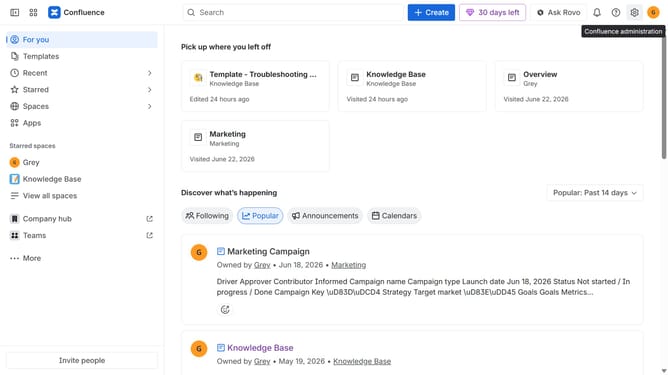
- First click on "Spaces" in the left sidebar
- Next click on the "View all spaces" option
- From the list of spaces, select the space you want to manage features for
- Then click on the "three dots" button next to the space name in the sidebar
- From the dropdown menu, select the "Space settings" option
- Next click the "General" menu in the left sidebar
- Select "Features" from the submenu
- Then, locate the “Databases” feature in the Content section
- Finally, turn off the toggle next to "Databases" to disable it
Why should you disable databases in a Confluence space
Confluence is a dynamic team collaboration tool that streamlines content creation and management within organizations.
In maintaining efficient workflow, understanding how to disable databases in a Confluence space is key. This capability allows users to focus on pertinent content by minimizing distractions and removing clutter.
Moreover, disabling databases enhances security by limiting access to sensitive information. This function ensures that only essential data is visible and accessible, contributing to a cleaner, more organized space.
Ultimately, this feature aids in optimizing resource utilization, ensuring smoother project management and enhancing overall team productivity.
Last update