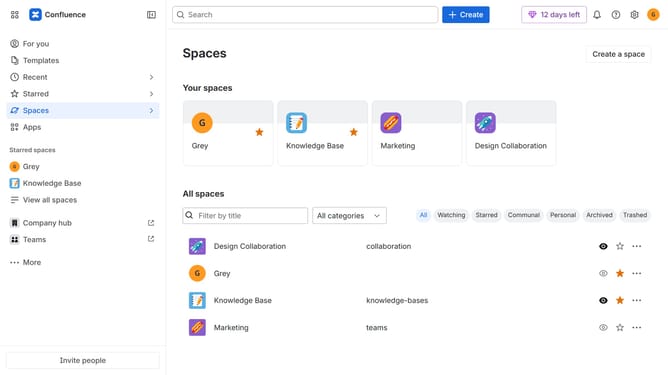
How to customize your Confluence appearance
Here is how to customize your confluence appearance
- First click on the user profile icon in the top right corner of the header
- Next click on the "Theme" option from the dropdown menu
- Then select your preferred theme from the theme selection menu
Why should you customize your Confluence appearance
Confluence is a dynamic collaboration platform that brings teams together and facilitates seamless communication.
Customizing your Confluence appearance allows you to tailor the look and feel of your collaborative space to match your team's personality or brand identity.
By personalizing the interface, you enhance user engagement and create a more inviting environment for collaboration, boosting team morale and productivity.
A customized appearance ensures that your workspace resonates with your team's unique culture, reinforcing a sense of belonging and ownership.
Last update