Confluence
Confluence is a team workspace platform for companies to create, organize, and collaborate on documents, project plans, and internal knowledge in one shared place.
Website
Industry
Collaboration
Share this article:

How to unblock a public link in Confluence space permissions

Here is how to unblock a public link in confluence space permissions

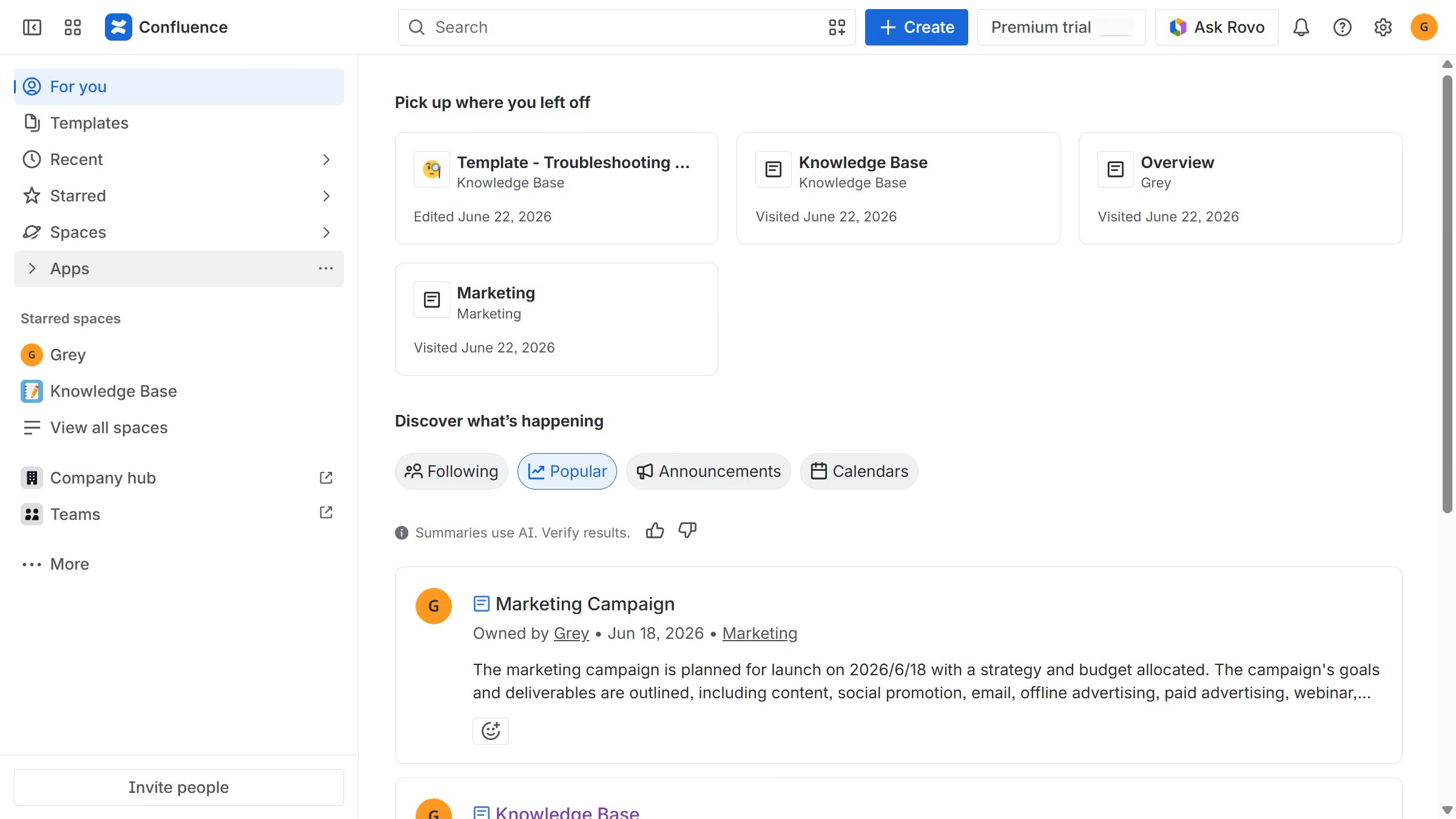
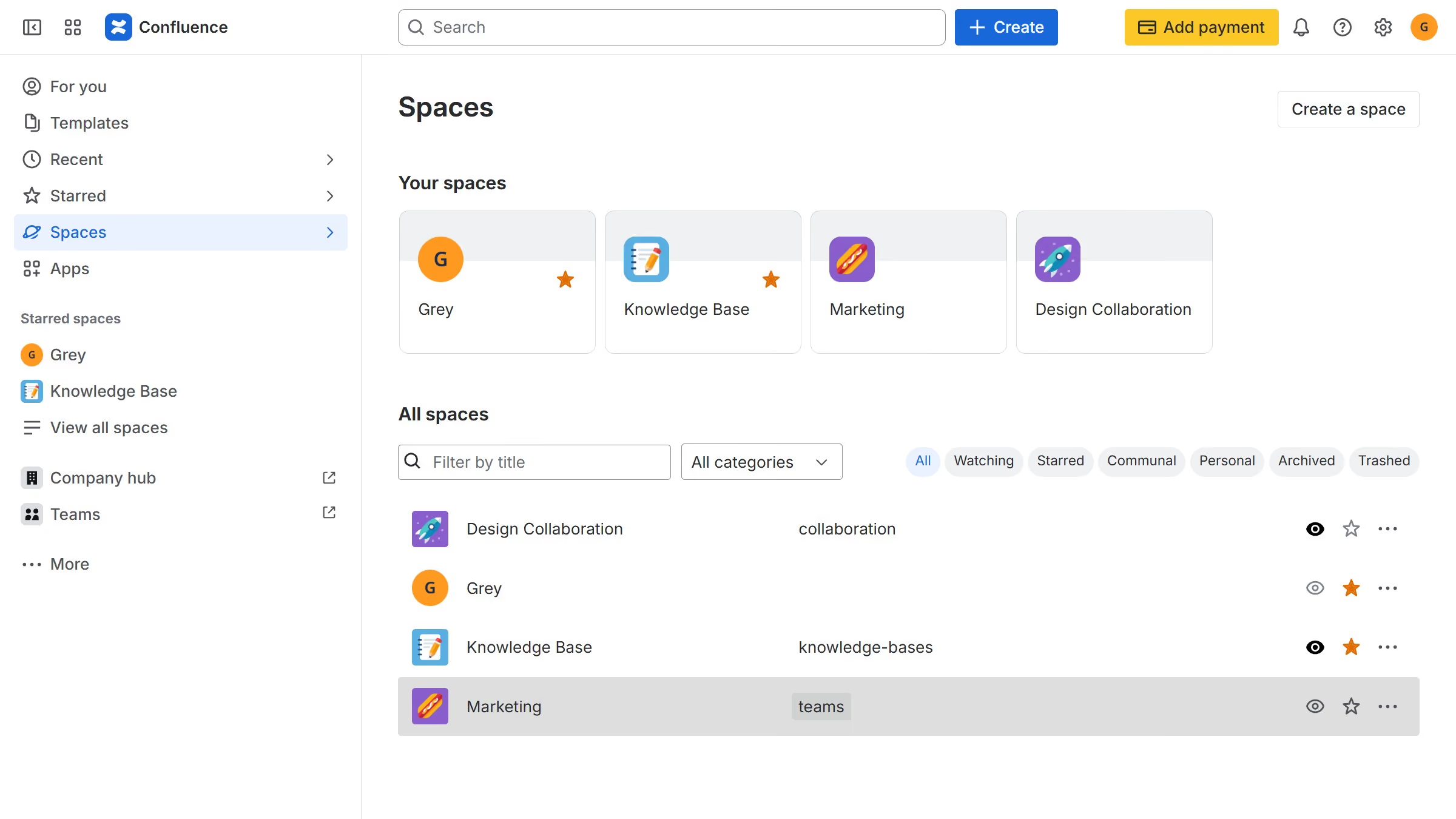
  1. First, navigate to the spaces page and locate the space you want to manage
  2. Next click on the "More actions" (three dots) button in the right corner
  3. From the dropdown menu, click on the "Space settings" option
  4. After that, click on "Space access" in the left sidebar
  5. Click on the "Public links" option in the submenu
  6. Then locate the blocked content whose public link you want to restore
  7. Click the “More actions” (three dots) button next to it
  8. Finally, select the "Unblock" option to restore the public link

Create your own interactive guide with Guideflow

Why should you unblock a public link in Confluence space permissions

Confluence is a powerful collaboration tool that enables teams to share knowledge and foster teamwork efficiently.

Unblocking a public link in Confluence space permissions allows broader access to valuable information, facilitating seamless collaboration across teams or organizations.

By enabling public links, users can share content without cumbersome restrictions, enhancing visibility and accessibility.

This feature promotes an open environment, encouraging knowledge sharing and innovation, which leads to increased productivity and informed decision-making.


Last update
June 12, 2026
Cursor MariaA cursor points to a button labeled "James."

Create your first demo in less than 30 seconds.