How to enable push notifications in Confluence
Here is how to enable push notifications in confluence
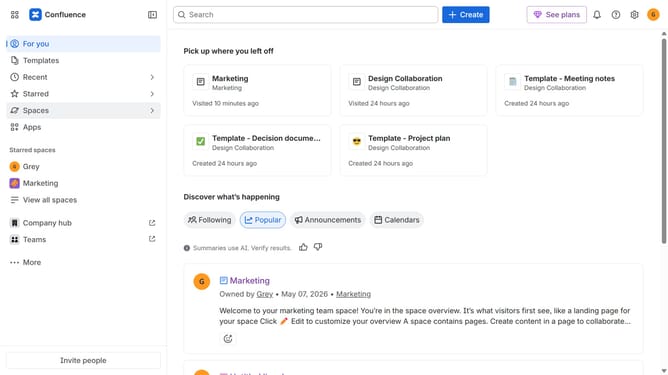
- First click on the gear icon in the top right header to open the Confluence administration menu
- Find "Settings" in the Confluence administration menu
- Next click on "Configuration"
- After that, select "General configuration" in the submenu
- In the Confluence setup section, locate the "Push notification" option
- Then, check the checkbox to enable push notifications
- Finally click on the "Save configuration changes" button to apply the changes
Why should you enable push notifications in Confluence
Confluence is a dynamic collaboration tool designed to seamlessly organize and share information within teams.
Enabling push notifications in Confluence enhances team collaboration by keeping team members promptly updated.
This feature ensures that users receive real-time alerts on any changes or updates, promoting instant communication and reducing response times.
Ultimately, this leads to a more synchronized workflow, driving productivity and keeping everyone on the same page.
Last update