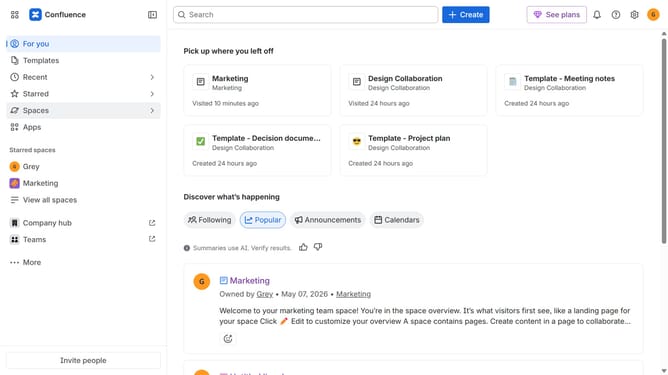
How to view archived spaces in Confluence
Here is how to view archived spaces in confluence
- First, click on "Spaces" in the left sidebar
- Next click on "View all spaces" from the dropdown menu
- Then, locate the filter options at the top of the spaces list
- Finally, select the "Archived" option to filter the spaces
- You can now view all your archived spaces
Why should you view archived spaces in Confluence
Confluence is an advanced collaboration platform designed to bring teams together to create, share, and manage knowledge efficiently.
One of the standout features of Confluence is the ability to view archived spaces, which contributes to organized and clutter-free workspace management. This feature serves as a vital tool for businesses looking to keep their workspace streamlined by setting aside less frequently used content that might otherwise crowd the main working interface.
Utilizing archived spaces in Confluence ensures that important information isn't permanently lost but instead is easily accessible whenever needed. The clear delineation between active and archived spaces enables users to focus on current projects while maintaining access to valuable historical data.