How to change the favicon in Confluence
Here is how to change the favicon in confluence
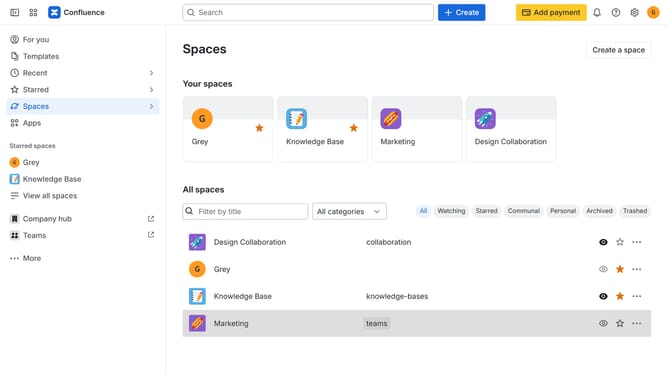
- First click on the gear icon in the top right header
- Find "Settings" in the Confluence administration menu
- Next click on "Configuration"
- After that, select "General configuration" in the submenu
- In the Confluence setup section, locate the “Favicon” section
- Next, click “Select file to upload” or drag and drop a new favicon file
- Then, choose a new favicon from your device and upload it
- Finally scroll down and click on the "Save configuration changes" button
Why should you change the favicon in Confluence
Confluence is a robust collaboration platform designed to enhance team productivity and streamline project management.
One of its standout features is the ability to change the favicon, the small icon representing your site in a browser tab. By updating the favicon, you can personalize your Confluence space to align with your team's brand identity, making it instantly recognizable.
This customization not only enhances brand consistency across platforms but also aids in easy identification of browser tabs, improving user experience and navigation efficiency.
Last update