How to restore a previous version of content in Confluence
Here is how to restore a previous version of content in confluence
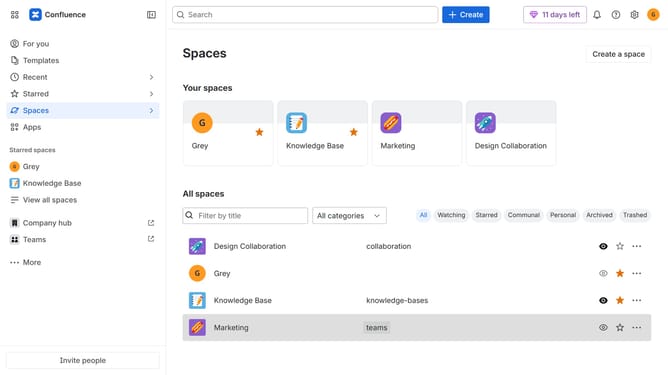
- First, navigate to the Spaces list and open the space that contains the content
- In the left sidebar, open the content you want to restore
- Next, click on the "More actions" menu (three dots) in the top-right corner
- Select "Version history" from the dropdown menu
- Then locate the version you want to restore in the version history list
- Next click on the three dots button next to the version
- Then select "Restore" from the options
- In the "Restore version" dialog box, add a comment
- Finally, click on the "Restore" button to confirm restoring the version
Why should you restore a previous version of content in Confluence
Confluence is a collaborative workspace designed to organize and share knowledge effortlessly within teams.
One standout feature of Confluence is the ability to restore previous versions of your content. This feature ensures that you can easily revert to earlier drafts if needed, maintaining content integrity and preventing data loss.
Using this feature is invaluable for teams who need to track changes or rectify accidental edits. It bolsters productivity by allowing quick recovery from mistakes and promotes experimentation without fear of losing crucial information.
Last update