How to filter apps by the Dashboard Gadgets use case in the Confluence Marketplace
Here is how to filter apps by the dashboard gadgets use case in the confluence marketplace
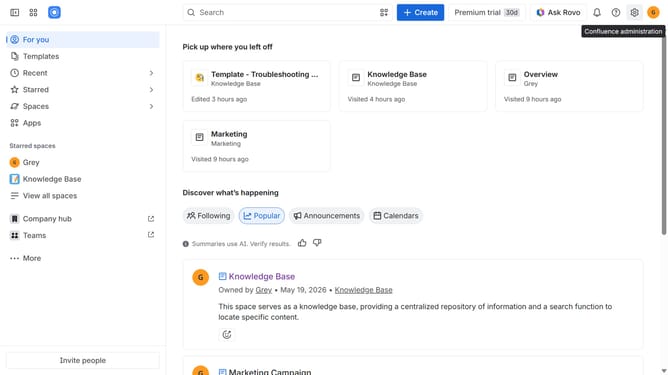
- First click on the "Apps" in the left sidebar
- Next, click on the "Explore more apps" option
- Click on the "Use cases" filter in the top menu bar
- Then, select the "Dashboard Gadgets" checkbox
- Optionally, select additional use case options
Why should you filter apps by the Dashboard Gadgets use case in the Confluence Marketplace
Confluence is a collaborative workspace that helps teams to organize, discuss, and manage work efficiently.
Navigating the extensive Confluence Marketplace becomes a breeze with the option to filter apps by the Dashboard Gadgets use case. This feature empowers users to quickly find the exact tools they need to enhance their dashboards, ensuring a more streamlined and productive workflow.
By selecting apps specifically tailored for Dashboard Gadgets, teams can integrate functionalities that enhance visibility and data analysis, fostering a more informed decision-making process. This focused approach optimizes time and resources, tailoring the Confluence experience to the unique needs of every team.
Last update