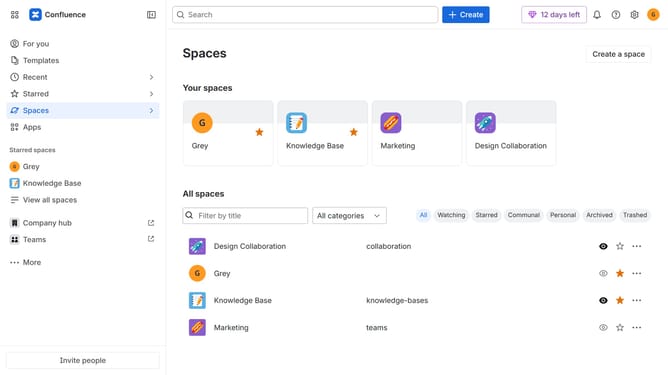
How to match the Confluence theme to your browser settings
Here is how to match the confluence theme to your browser settings
- First click on the user profile icon in the top right corner of the header
- Next click on the "Theme" option from the dropdown menu
- Then select the "Match browser" theme option from the theme selection menu
- Confluence will now automatically switch between light and dark mode based on your browser theme settings
Why should you match the Confluence theme to your browser settings
Confluence is a dynamic collaboration tool designed to streamline teamwork and knowledge sharing.
An exciting feature of Confluence is its ability to match the theme to your browser settings effortlessly. This seamless integration ensures that your working environment remains consistent, intuitive, and visually appealing.
By aligning the theme with your browser, you can enhance your focus and minimize distractions, creating a more cohesive and personalized experience without any extra effort. This feature reflects your personal style and maintains productivity, keeping your workflow as smooth as possible.
Last update