How to disable the Standard Operating Procedure (SOP) Template blueprint in Confluence
Here is how to disable the standard operating procedure (sop) template blueprint in confluence
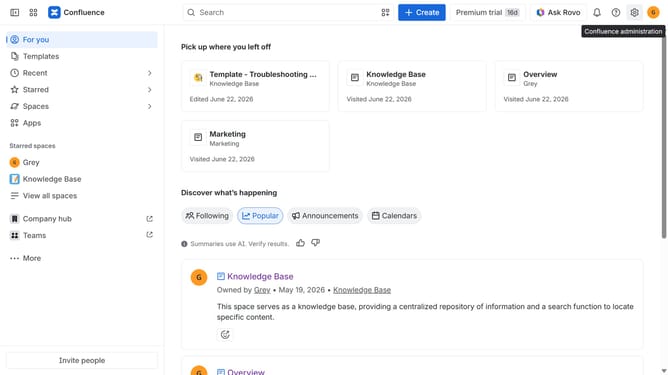
- First click on the gear icon in the top right header
- Click on "Configuration" in the left sidebar under Settings
- Next, select "Global templates and blueprints"
- After that, locate the "Global blueprints" section
- Then locate the "Standard Operating Procedure (SOP) Template" blueprint in the Global blueprints list
- Finally, turn off the toggle next to the blueprint to disable it
Why should you disable the Standard Operating Procedure (SOP) Template blueprint in Confluence
Confluence is a collaborative workspace designed to streamline teamwork by organizing project documentation efficiently.
Disabling the Standard Operating Procedure (SOP) Template blueprint in Confluence offers users the flexibility to tailor their workflow to their unique requirements.
This feature empowers teams to maintain consistency in processes while also fostering creativity. By opting to disable the default blueprint, teams gain control over creating customized content that better aligns with their specific operational strategies.
The ability to customize enhances productivity, ensuring that each team member operates within a framework that best supports their objectives.
Last update