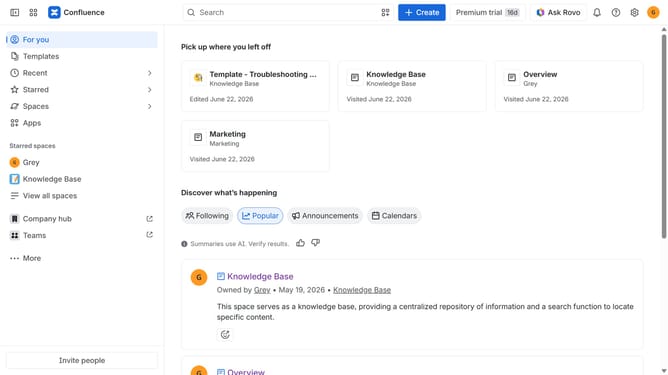
How to change the indexing language in Confluence
Here is how to change the indexing language in confluence
- First click on the gear icon in the top right header
- Find "Settings" in the Confluence administration menu
- Next click on "Configuration"
- After that, select "General configuration" in the submenu
- Scroll down to the "Internationalization" section
- Then click on the "Indexing language" dropdown menu
- Next choose a new indexing language from the dropdown list
- Once done, click on the "Save indexing language changes" button
- Finally click on the "Change language" button in the confirmation dialog
Why should you change the indexing language in Confluence
Confluence is a collaborative workspace where teams create and share content efficiently.
One of its valuable features includes changing the indexing language, allowing users to optimize search functionality according to specific linguistic needs.
This feature enhances search accuracy and relevancy, making it easier for global teams to locate important information, regardless of their native language.
Using this feature ensures a streamlined workflow and improved productivity, as team members can access the data they need faster.
Last update