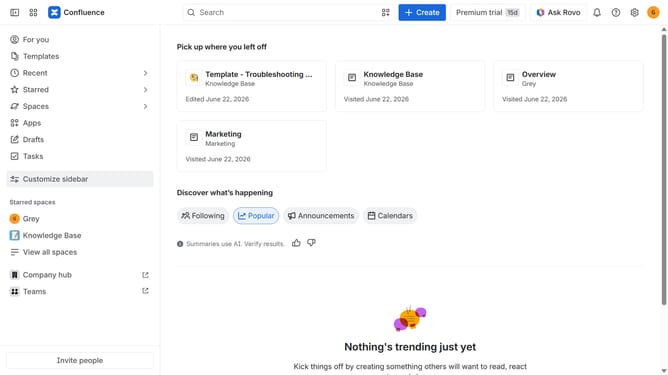
How to filter apps by the Custom Fields use case in the Confluence Marketplace
Here is how to filter apps by the custom fields use case in the confluence marketplace
- First click on the "Apps" in the left sidebar
- Next, click on the "Explore more apps" option
- Click on the "Use cases" filter in the top menu bar
- Then, select the "Custom Fields" checkbox
- Optionally, select additional use case options
Why should you filter apps by the Custom Fields use case in the Confluence Marketplace
Confluence is a dynamic workspace that empowers teams to work together seamlessly, crafting ideas into actionable plans.
Filtering apps by the Custom Fields use case in the Confluence Marketplace enhances your workspace's functionality by tailoring app searches to align with specific project needs.
This feature helps streamline the decision-making process, ensuring that you integrate tools that are precisely suited to your workflow.
By focusing on relevant apps, teams can enhance productivity and efficiency while avoiding the clutter of unnecessary options.
Last update