How to filter apps by Formatting use case in the Confluence Marketplace
Here is how to filter apps by formatting use case in the confluence marketplace
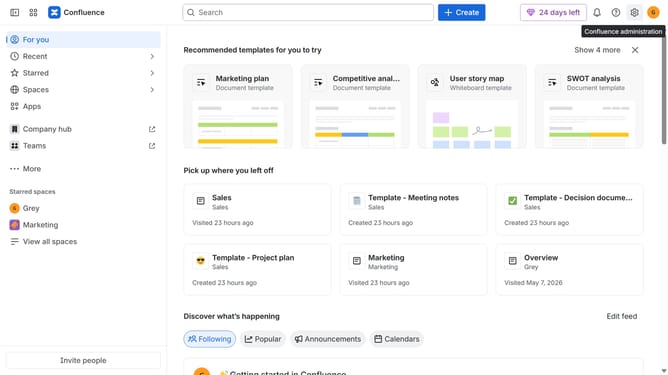
- First click on "Apps" in the left sidebar
- Next, click on the "Explore more apps" option
- Click on the "Use cases" filter below the search bar
- Then, select the "Formatting" checkbox
- Optionally, select additional use case options
Why should you filter apps by Formatting use case in the Confluence Marketplace
Confluence is a dynamic collaboration tool designed to help teams work together more efficiently and effectively.
In the Confluence Marketplace, users can enhance their content creation experience by filtering apps by Formatting use case. This feature streamlines the search process, enabling users to quickly find apps that align with their specific content styling needs.
Utilizing this filtering option ensures that users can optimize their workflows, personalize their documentation layout, and maintain a consistent aesthetic, all contributing to a more productive and visually appealing workspace.
Last update