How to change the attachment upload limit in Confluence
Here is how to change the attachment upload limit in confluence
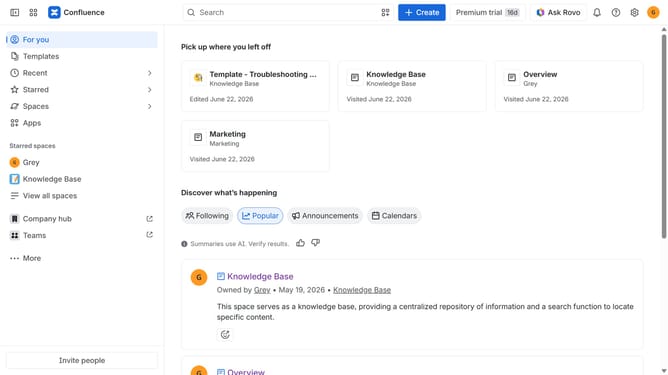
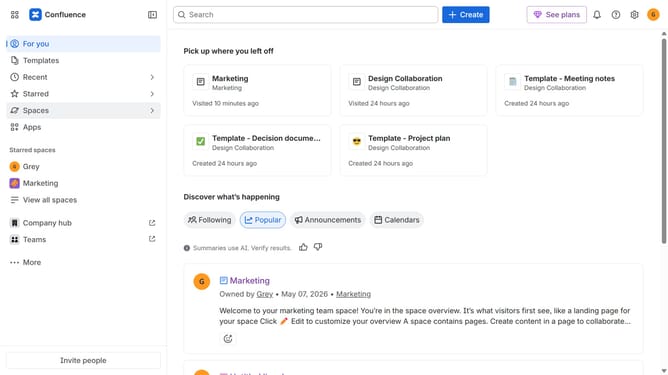
- First click on the gear icon in the top right header
- Find "Settings" in the Confluence administration menu
- Next click on "Configuration"
- After that, select "General configuration" in the submenu
- Scroll down to the “Attachment settings” section
- Next, locate the "Maximum attachments per upload" field
- Then, replace the current value with your preferred upload limit
- Finally, click on the "Save configuration changes" button
Why should you change the attachment upload limit in Confluence
Confluence is a powerful collaboration tool designed to help teams work together more effectively by organizing their work in one centralized place.
One valuable feature within Confluence is the ability to change the attachment upload limit, which can have a significant impact on team efficiency. By adjusting this limit, users can seamlessly upload larger files, eliminating the need to split documents or use external tools.
This capability not only streamlines workflows but also enhances collaborative efforts by ensuring all necessary resources are readily accessible to every team member, thereby fostering a more productive work environment.
Last update