How to view all your spaces in Confluence
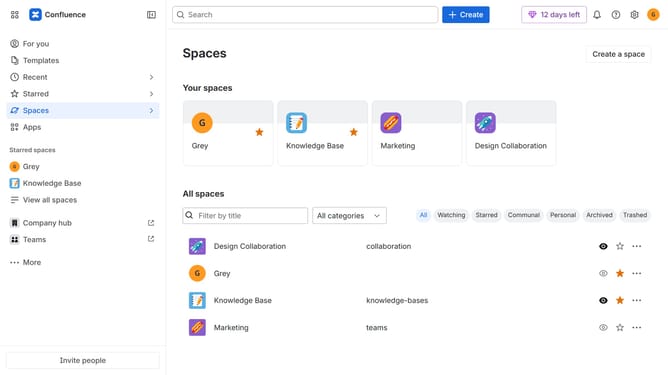
Here is how to view all your spaces in confluence
- First, click on "Spaces" in the left sidebar
- Next, select "View all spaces" in the dropdown menu
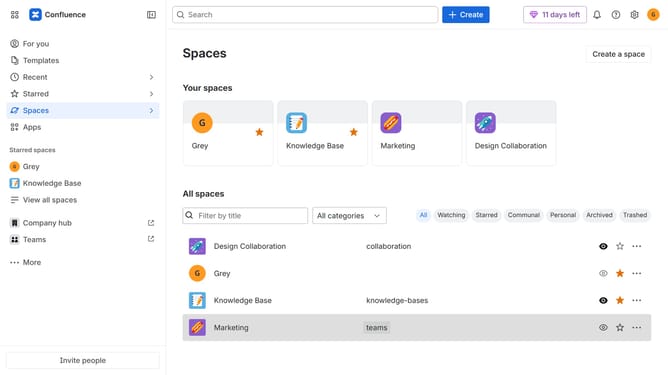
- From here, you will see all your spaces and can manage them as needed
Why should you view all your spaces in Confluence
Confluence serves as a collaborative workspace where knowledge and teamwork come together seamlessly.
Discovering how to view all your spaces in Confluence enhances your navigational efficiency. Easily locate and manage separate work environments, improving your workflow and project organization.
This feature supports clearer collaboration by providing a comprehensive overview of all active spaces, enabling you and your team to locate resources promptly and maintain momentum on various projects. By accessing all spaces in one view, it also streamlines decision-making and aids in maintaining the continuity of information.
Last update