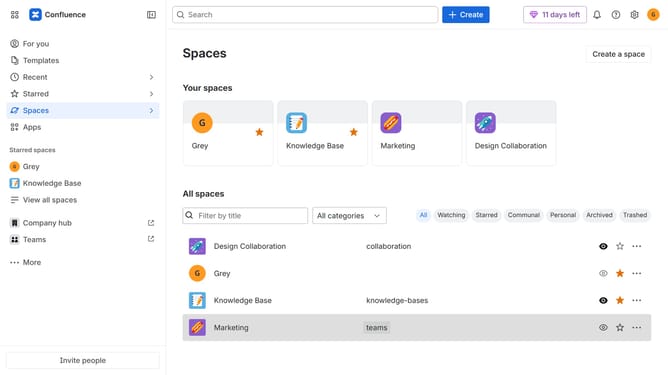
How to create a space report in Confluence
Here is how to create a space report in confluence
- First click on the settings icon in the top right corner to open confluence administration
- In the sidebar, click on "Data management"
- Next select "Space reports" in the submenu
- Then click on the "Create report" button in the header
- Finally click on the "Download" button to download the report
Why should you create a space report in Confluence
Confluence is a collaborative workspace that enhances team collaboration and knowledge sharing.
Creating a space report in Confluence allows teams to maintain high visibility on project progress, ensuring everyone is aligned.
Space reports consolidate vital information, optimizing decision-making and driving efficiency.
With space reports, team members easily access key insights, fostering transparency and a unified team effort.
Last update