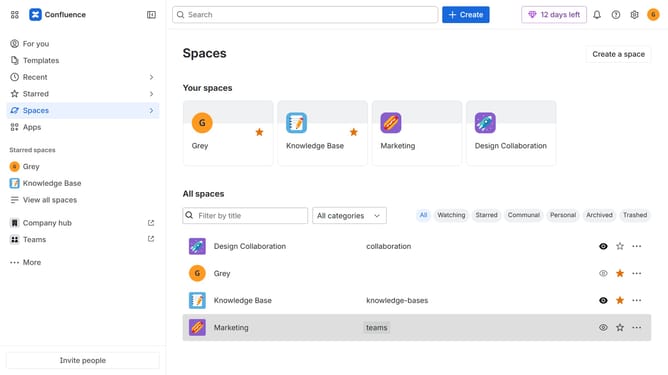
How to disable recommendation emails in Confluence
Here is how to disable recommendation emails in confluence
- First click on the gear icon in the top right corner
- Find "Settings" in the Confluence administration menu
- Next, click on the "Configuration" option
- Select "Notifications" from the expanded settings menu
- After that, locate the "Email settings" section
- Then uncheck the "Recommendation email" checkbox
- Finally, click on the "Save email setting changes" button
Why should you disable recommendation emails in Confluence
Confluence is a dynamic team collaboration software that facilitates seamless knowledge sharing and project management.
One valuable feature in Confluence is the ability to disable recommendation emails.
By opting out of these notifications, you can streamline your inbox and maintain focus without unnecessary distractions.
This feature allows users to prioritize information relevant to their current tasks, enhancing productivity and reducing email clutter.
Last update