How to disable the DevOps Runbook blueprint in Confluence
Here is how to disable the devops runbook blueprint in confluence
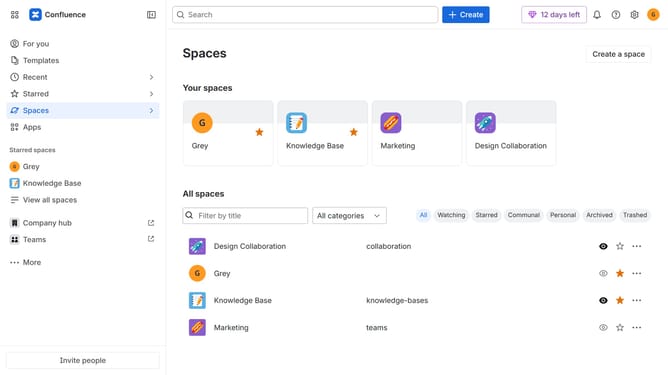
- First click on the gear icon in the top right header
- Click on "Configuration" in the left sidebar under Settings
- Next, select "Global templates and blueprints"
- After that, locate the "Global blueprints" section
- Then locate the "DevOps Runbook" blueprint in the Global blueprints list
- Finally, turn off the toggle next to the blueprint to disable it
Why should you disable the DevOps Runbook blueprint in Confluence
Confluence is a dynamic collaborative workspace designed to help teams work together more effectively and share knowledge seamlessly.
If you're looking to streamline your Confluence space, you may consider disabling the DevOps Runbook blueprint. Doing so can prevent unnecessary clutter, ensuring that only the templates and blueprints relevant to your team's specific needs are available.
By disabling non-essential blueprints, you gain greater control over your workspace, enhancing team focus and productivity. It also simplifies the navigation for new users, allowing them to find and use the most critical resources effortlessly.
Last update