How to unwatch a space from the sidebar in Confluence
Here is how to unwatch a space from the sidebar in confluence
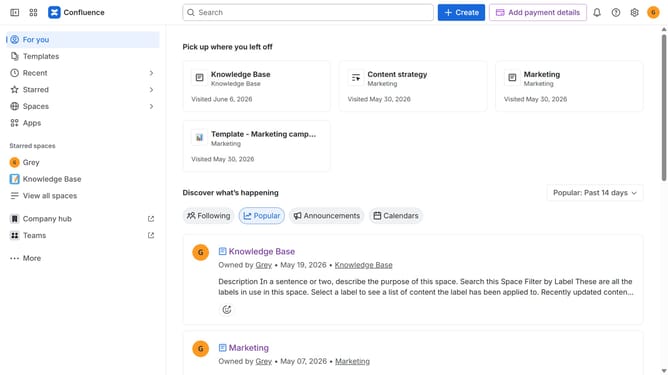
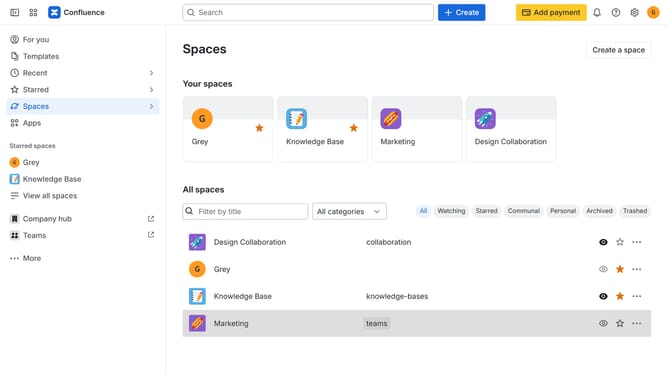
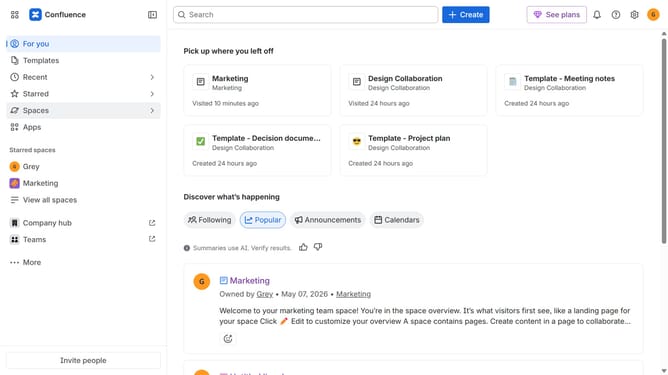
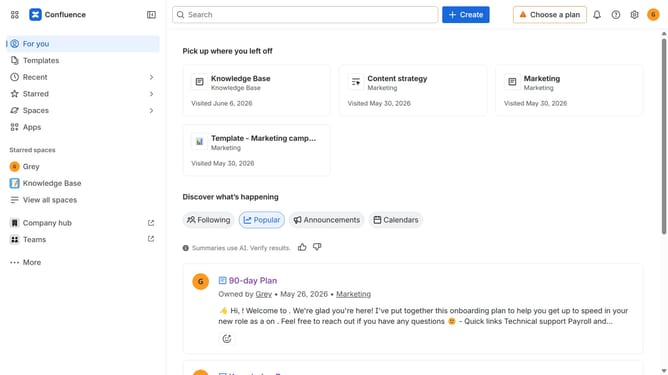
- First click on "Spaces" in the left sidebar
- Next click on the "View all spaces" option from the pop-up menu
- Locate and open the space you want to unwatch
- In the left sidebar, click on the three dots menu next to the space name
- Then click on the "Unwatch space" option from the dropdown menu
- You will no longer receive updates and notifications for this space
Why should you unwatch a space from the sidebar in Confluence
Confluence is a powerful collaboration platform designed to streamline teamwork and facilitate document sharing within organizations.
The feature to unwatch a space directly from the sidebar in Confluence is a user-friendly option that aids in managing your notifications and focus. Once you unwatch a space, you can significantly reduce the clutter in your updates, allowing you to concentrate on the projects most relevant to your needs.
This capability helps in maintaining a streamlined workflow, ensuring that you only receive updates that matter. It's an efficient way to enhance your productivity and remain organized in your collaborative environment.
Last update