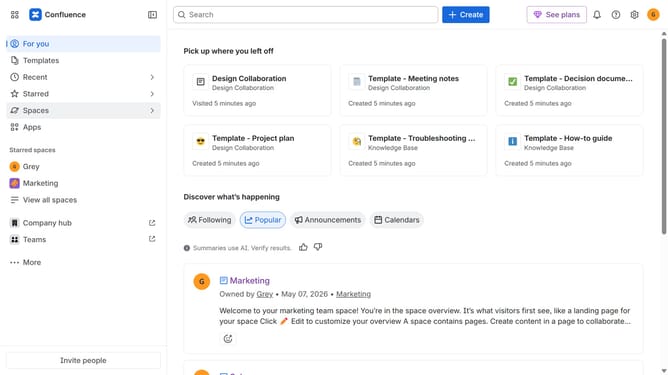
How to manage avatar visibility on published pages in Confluence
Here is how to manage avatar visibility on published pages in confluence
- First click on the gear icon in the top right header
- Find "Settings" in the Confluence administration menu
- Next click on "Configuration"
- After that, select "General configuration" in the submenu
- In the Confluence setup section, locate "Avatars on published content"
- Then, check or uncheck the checkbox to show or hide viewer avatars on published pages and blog posts
- Finally scroll down and click on the "Save configuration changes" button to apply the changes
Why should you manage avatar visibility on published pages in Confluence
Confluence is a dynamic collaboration platform that empowers teams to work together seamlessly on shared projects.
One standout feature is the ability to manage avatar visibility on published pages. This offers users the flexibility to control whose avatars are seen, making collaboration more personal or anonymous based on preference.
Using this feature enhances team dynamics by allowing members to maintain privacy or showcase their presence, thereby fostering a more inclusive and productive work environment.
Last update