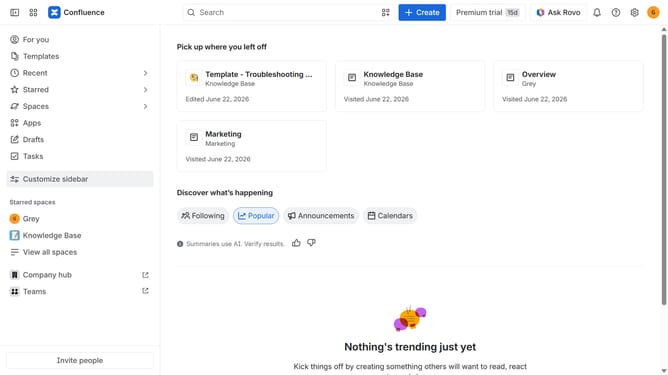
How to disable the Project Plan blueprint in Confluence
Here is how to disable the project plan blueprint in confluence
- First click on the gear icon in the top right header
- Click on "Configuration" in the left sidebar under Settings
- Next, select "Global templates and blueprints"
- After that, locate the "Global blueprints" section
- Then locate "Project Plan Blueprint" in the Global blueprints list
- Finally, turn off the toggle next to the blueprint to disable it
Why should you disable the Project Plan blueprint in Confluence
Confluence is a collaborative workspace designed to help teams share knowledge and collaborate efficiently.
If your team is seeking a clutter-free environment, disabling the Project Plan blueprint can be an effective strategy to streamline your Confluence space. This feature allows users to focus on what’s critical by removing unnecessary templates, thus fostering a more tailored and manageable workspace.
Moreover, simplifying available content options can boost productivity as teams can customize their workflows without distraction, aligning resources precisely with project needs.
Last update