How to disable the Business status update blueprint in Confluence
Here is how to disable the business status update blueprint in confluence
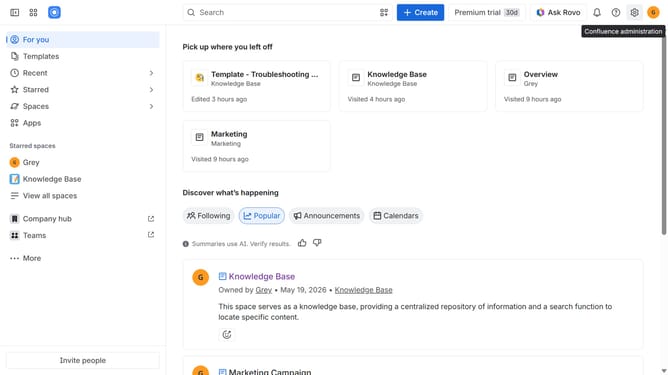
- First click on the gear icon in the top right header
- Click on "Configuration" in the left sidebar under Settings
- Next, select "Global templates and blueprints"
- After that, locate the "Global blueprints" section
- Then locate the "Business status update" blueprint in the Global blueprints list
- Finally, turn off the toggle next to the blueprint to disable it
Why should you disable the Business status update blueprint in Confluence
Confluence is a powerful collaboration tool designed to streamline teamwork and knowledge sharing within organizations.
One valuable feature available in Confluence is the Business Status Update Blueprint. However, there might be times when disabling this feature is necessary to maintain a clean and focused workspace. By doing so, organizations can ensure that only the most relevant tools are available to their team members, ensuring efficiency and clarity in project management.
Disabling this blueprint can lead to a more tailored and streamlined user environment. This allows teams to concentrate on critical tasks and documents without unnecessary distractions, boosting productivity and focus. By optimizing their use of Confluence, teams can align more closely with strategic objectives and operational goals.