Confluence
Confluence is a team workspace platform for companies to create, organize, and collaborate on documents, project plans, and internal knowledge in one shared place.
Website
Industry
Collaboration
Share this article:

How to filter space members by collaborator role in Confluence

Here is how to filter space members by collaborator role in confluence

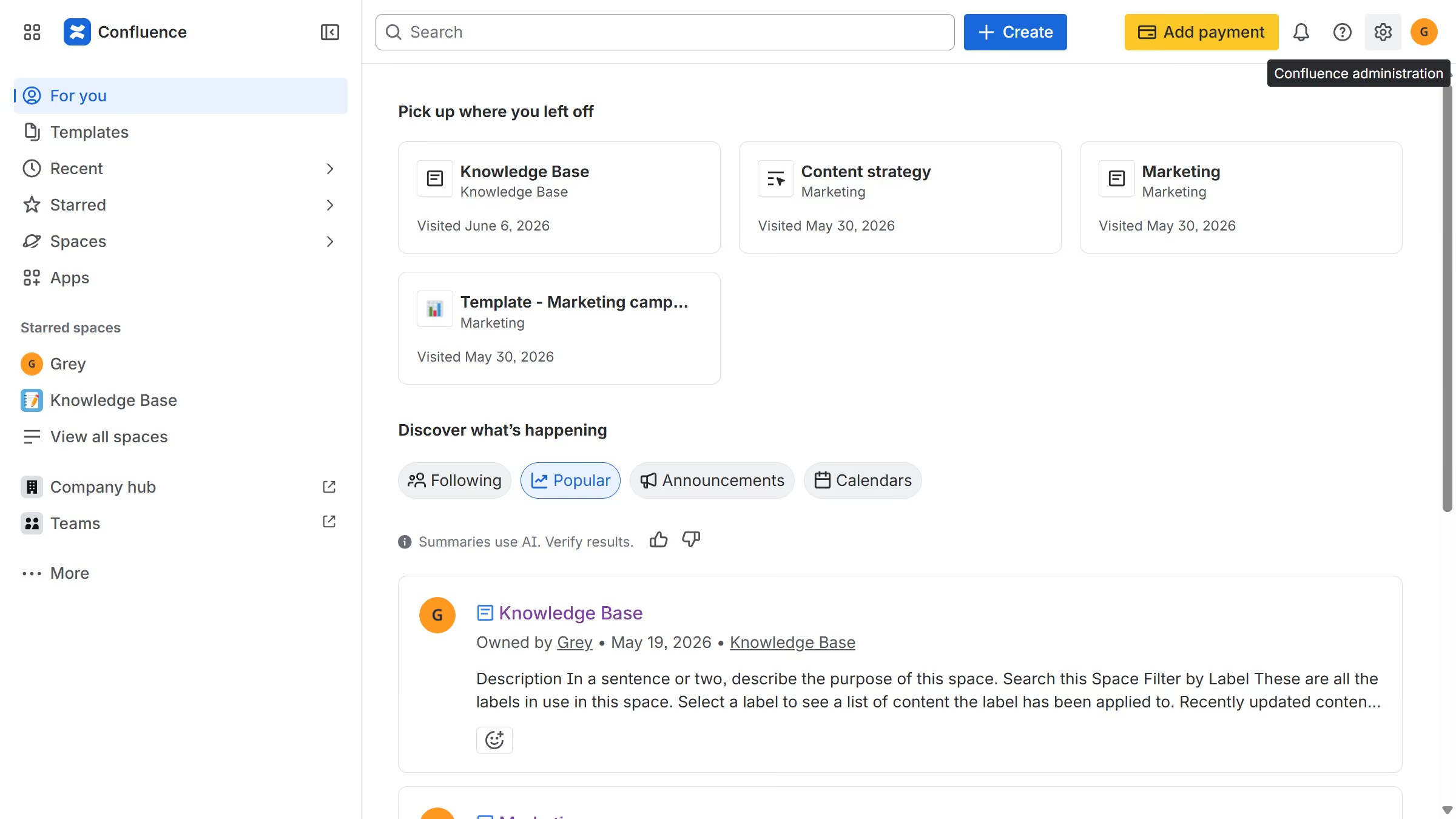
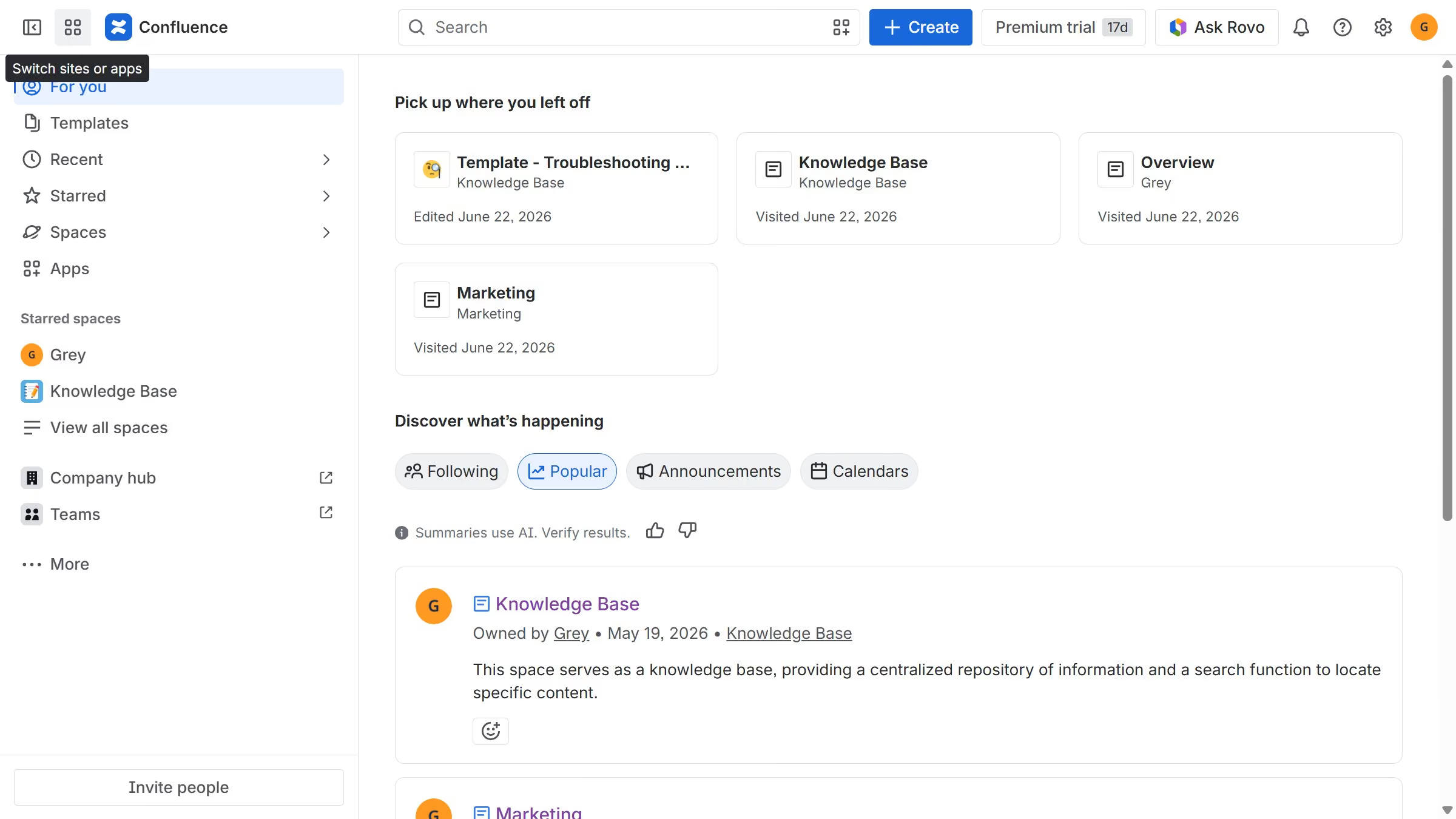
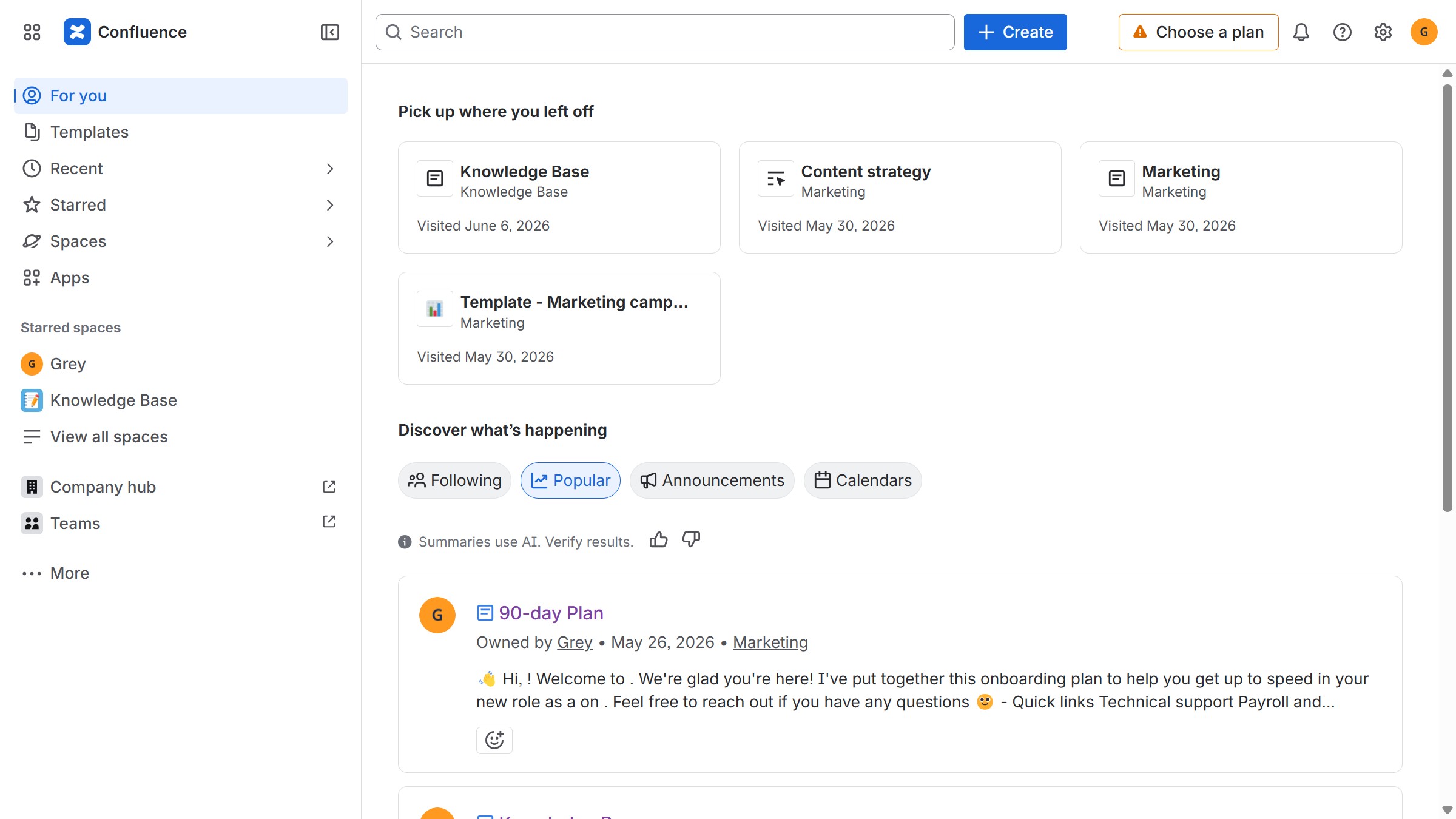
  1. First, navigate to the spaces list page and open the space you want to manage
  2. In the left sidebar, click on the three dots menu next to the space name
  3. Next, click on "Space settings" in the dropdown menu
  4. After that, click on "Users" in the left sidebar
  5. Then, click on the "Role" dropdown
  6. Finally select "Collaborator" from the dropdown menu

Create your own interactive guide with Guideflow

Why should you filter space members by collaborator role in Confluence

Confluence is a collaborative workspace where teams can organize their work and exchange ideas seamlessly.

Filtering space members by collaborator role in Confluence optimizes team management by allowing you to view members based on their specific contributions easily.

This feature is particularly beneficial for project leaders who need a quick way to assess team composition and ensure the right balance of skills and responsibilities.

By focusing on roles, teams can enhance productivity and ensure efficient communication flows.

Last update
June 12, 2026
Cursor MariaA cursor points to a button labeled "James."

Create your first demo in less than 30 seconds.