Confluence
Confluence is a team workspace platform for companies to create, organize, and collaborate on documents, project plans, and internal knowledge in one shared place.
Website
Industry
Collaboration
Share this article:

How to disable the Interview feedback blueprint in Confluence

Here is how to disable the interview feedback blueprint in confluence

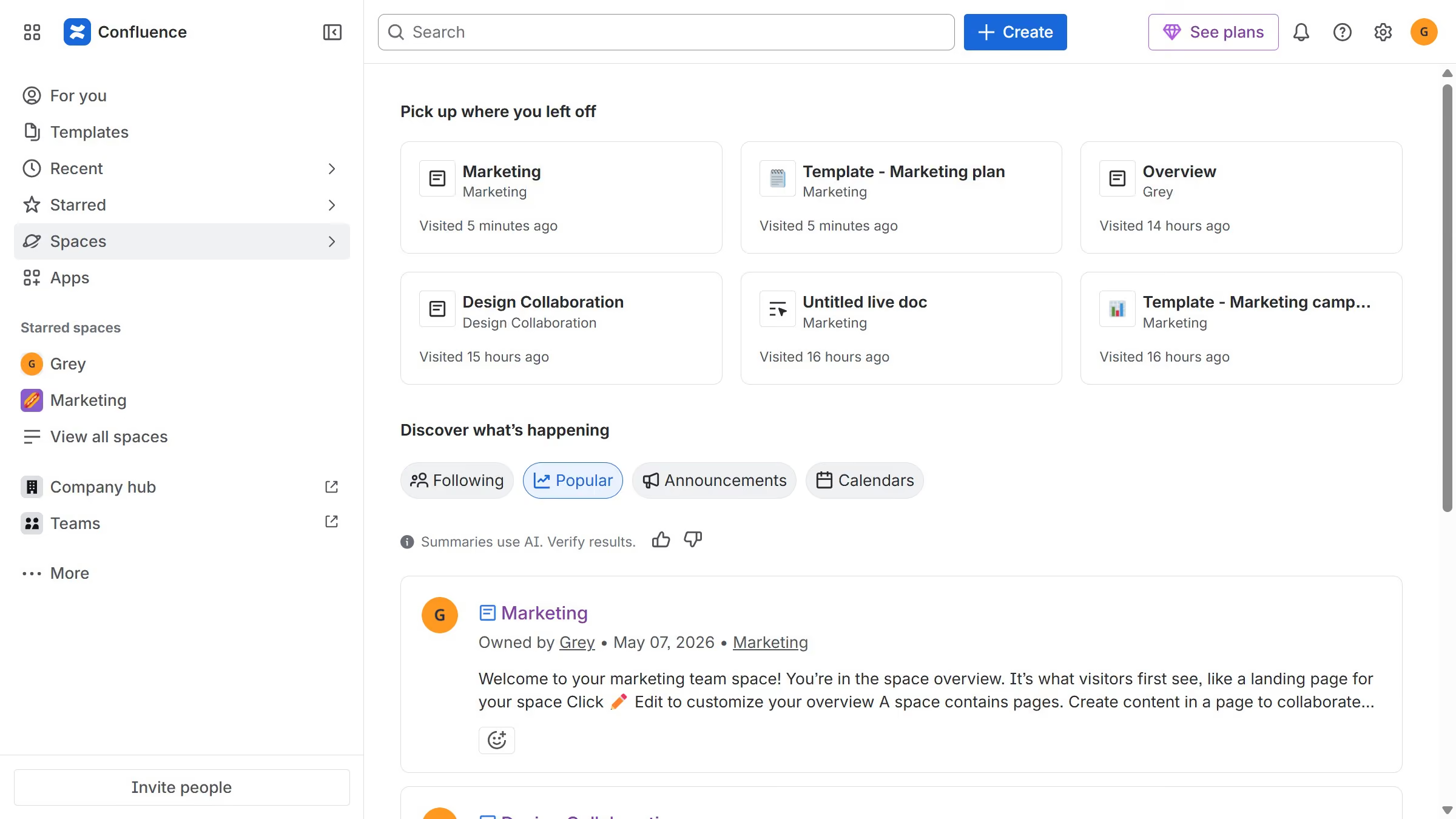
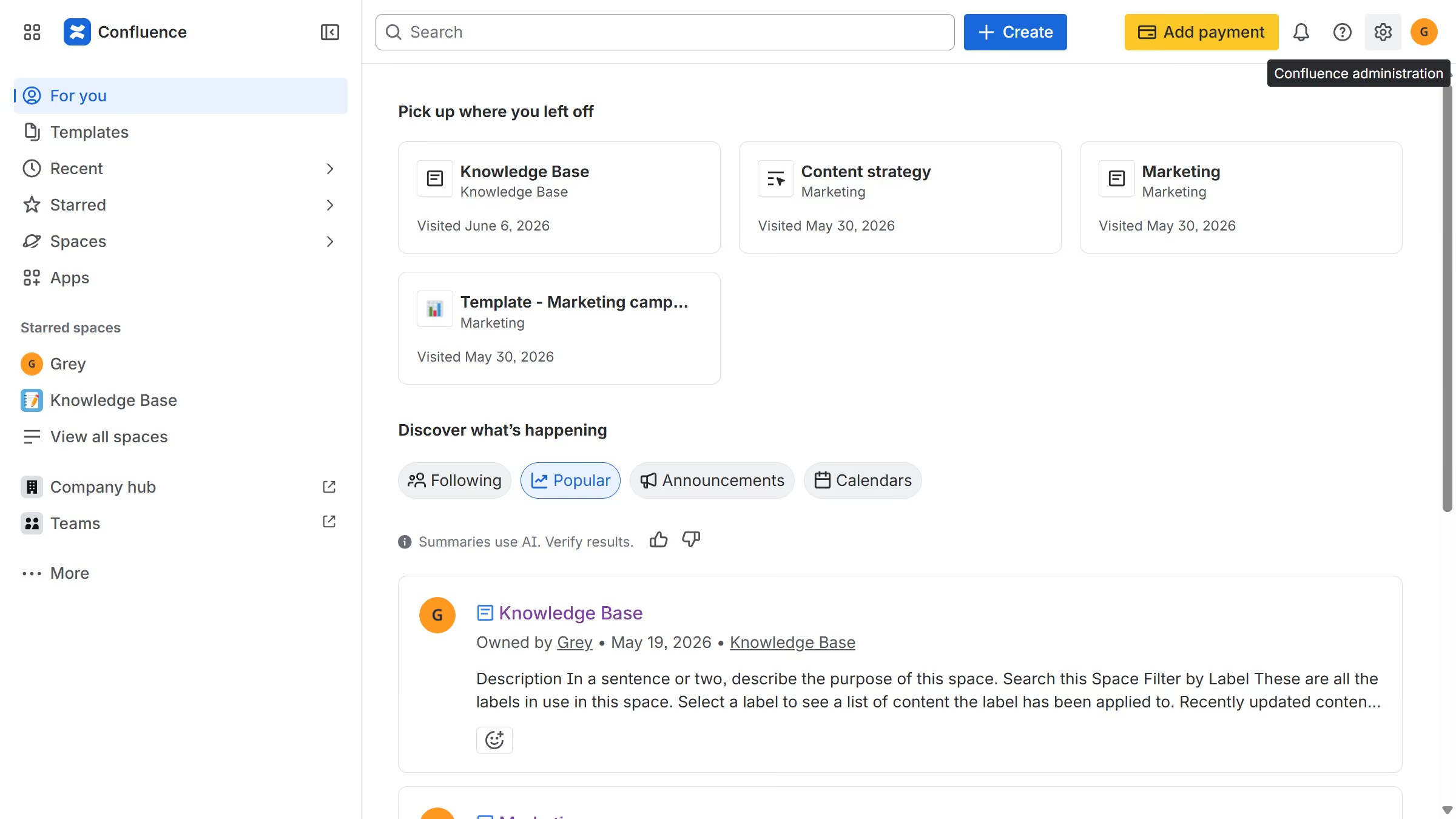
  1. First click on the gear icon in the top right header
  2. Click on "Configuration" in the left sidebar under Settings
  3. Next, select "Global templates and blueprints"
  4. After that, locate the "Global blueprints" section
  5. Then locate the "Interview feedback" blueprint in the Global blueprints list
  6. Finally, turn off the toggle next to the blueprint to disable it

Create your own interactive guide with Guideflow

Why should you disable the Interview feedback blueprint in Confluence

Confluence is a powerful collaboration tool designed to enhance team productivity and project management.

Disabling the Interview feedback blueprint in Confluence allows you to streamline your workspace by reducing unnecessary templates and focusing on custom solutions that best fit your team's needs.

By opting to disable this specific blueprint, you empower teams to create more tailored feedback processes, fostering a more personalized and effective evaluation environment.

This feature ensures space admins can maintain a clutter-free environment, enhancing navigation and efficiency.


Last update
June 12, 2026
Cursor MariaA cursor points to a button labeled "James."

Create your first demo in less than 30 seconds.