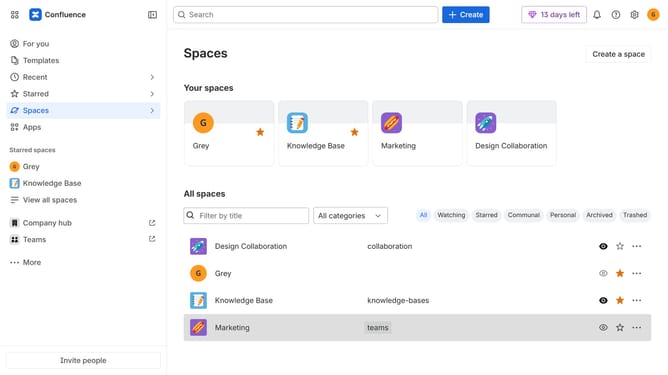
How to change the navigation highlight color in Confluence
Here is how to change the navigation highlight color in confluence
- First, click on the gear icon in the header to open Confluence administration
- Click on "Look and feel" in the settings menu
- Next click on "Customize navigation" in the submenu
- Locate the "Select navigation colors" section
- Next click the dropdown menu for Highlight color
- Then enter a color code or use the color picker to select a color
- Finally click on the "Save" button to apply the changes
Why should you change the navigation highlight color in Confluence
Confluence is a dynamic collaboration tool designed to empower teams with seamless information sharing and organization.
One of Confluence's conveniently customizable features is the ability to change the navigation highlight color, allowing users to personalize their workspace experience.
Adjusting this setting can significantly improve the clarity and accessibility of navigation, making it easier for users to quickly identify active pages or sections.
This enhances user productivity by creating a more intuitive and visually appealing environment tailored to individual preferences.
Last update